Enabling Global Settings
1. Navigate to > >
2. Select an Active profile.
3. Select Module: Common and Submodule: Global Settings.
4. Provide the following details:
|
Setting
|
Value
|
|---|---|
|
GBL039
|
True
|
|
GBL040
|
Update the corresponding URL.
• For Sandbox Org: https://test.salesforce.com/services/oauth2/token
• For Production Org: https://login.salesforce.com/services/oauth2/token
|
|
GBL041
|
Enter the certificate name.
|
|
GBL042
|
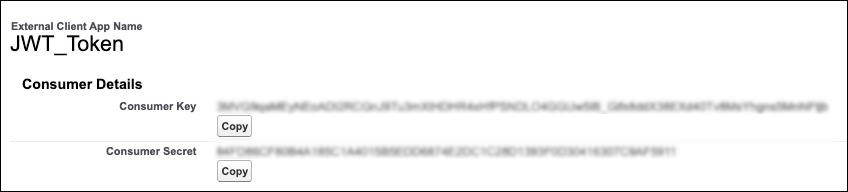
Enter the consumer key.
1. Navigate to > > >
2. Expand OAuth Policies section.
3. Click Consumer Key and Secret.
4. Copy Consumer Key.
|
5. Click Save.