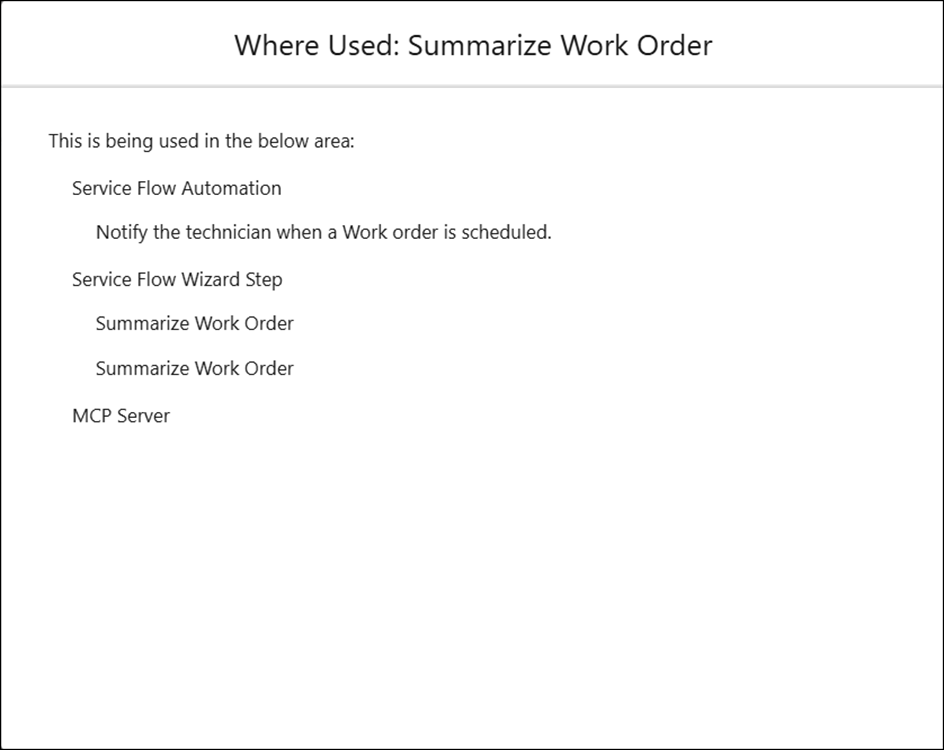
Viewing Where Used
Trace the usage of AI actions across components of the Salesforce web app. The Where Used feature identifies where a specific AI action appears in Service Flow Manager (SFM) wizards, Service Flow Automations (SFA), Agent Skills, and Model Context Protocol (MCP) Server.
To view Where Used of an AI action, perform the following steps.
1. Navigate to > > .
The ServiceMax AI Console is launched.
2. On the sidebar, select > .
The AI Actions page displays a list of all configured AI actions.
3. Select the AI action to inspect. For example, Summarize Work Order.
4. Click Where Used.
The Where Used: Summarize Work Order window lists all SFM wizard steps, SFA flows, and Agent Skills that reference the selected action. Additionally, it displays MCP Server when that AI Action is made accessible via the MCP server.