Managing Agent Skills
You can view and manage the predefined skills that the Service Insights Agent uses to process calculations and structured queries.
To manage agent skills, perform the following steps.
1. Navigate to > > .
The ServiceMax AI Console is launched.
 |
You can also log in to the ServiceMax AI console directly at https://console.servicemax.io/ai with your Salesforce org credentials.
|
2. Navigate to > > .
The Service Insights page is displayed.
3. Click Manage Agent Skills in the Agent Skills section.
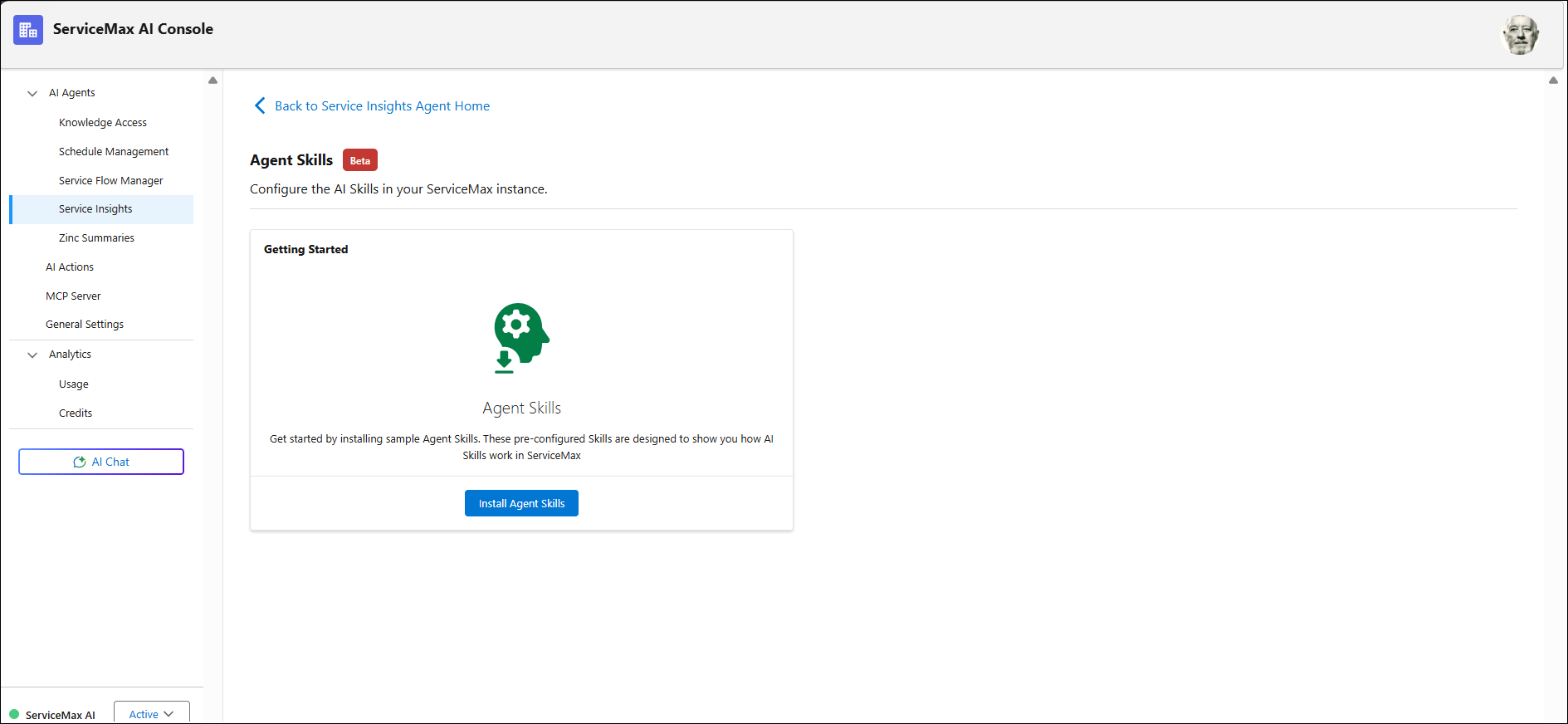
The Agent Skills page is displayed.
4. Click Install Skills.
A list of pre-configured skills is displayed.