Enabling Hotline Summaries
You can enable Hotline Summaries to allow AI‑generated summaries for all Hotlines in the linked Zinc organization. This setting helps ensure consistent summary generation across Hotlines, providing quick, high‑level insights.
To enable Zinc Hotline Summaries, perform the following steps.
1. Navigate to > > .
The ServiceMax AI Console is launched.
 |
You can also log in to the ServiceMax AI console directly at https://console.servicemax.io/ai with your Salesforce org credentials.
|
2. Navigate to Zinc Hotline Summaries.
The Zinc Hotline Summaries page is displayed.
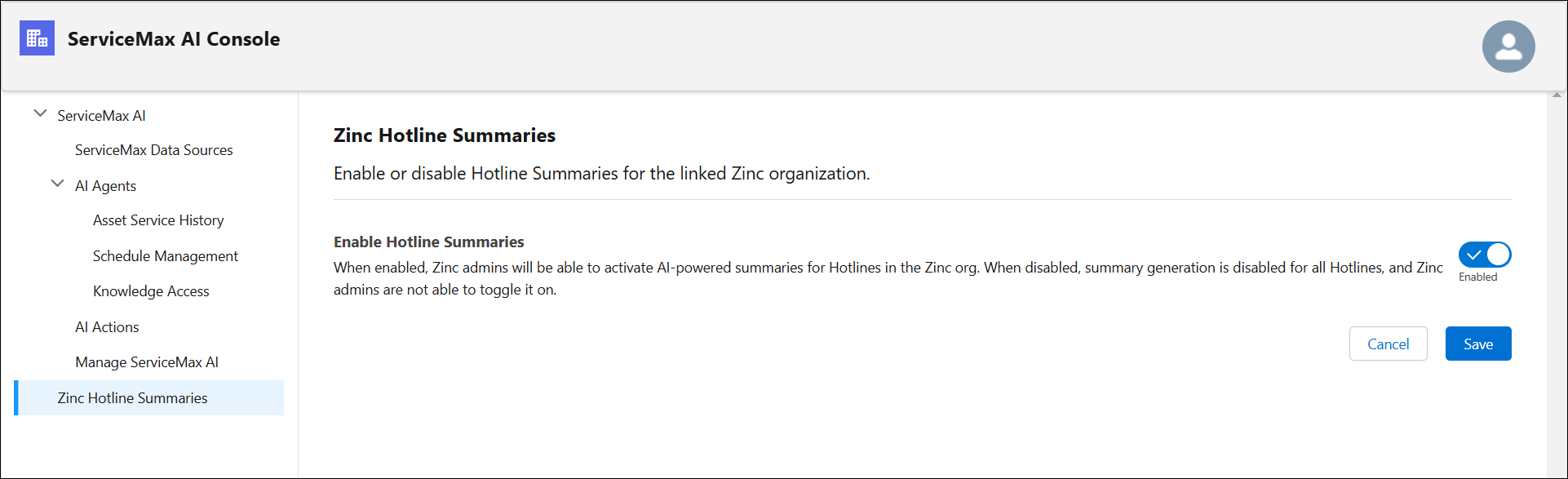
3. Select the toggle button in the Enable Hotline Summaries section.
4. Click Save.