Editing and Moving Plot Titles
Editing the Plot and Axis Titles
• You can edit the font of plot titles and axis titles using the Text Formatting tab.
• When you remove a title using the Plot Title or the Axis Title buttons and then toggle it back, the previously defined format, location, and direction are restored.
Moving the Plot Title
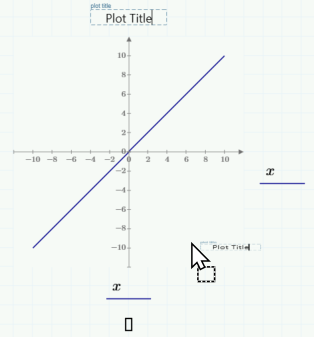
To move the plot title, click it and drag it to a new position. You can place it either above or below the plot.
Rotating the Y-axis Title
1. Right-click the y-axis title.
2. Select Rotate. The possible positions of the y-axis title are vertical or horizontal.