Select the text box  tool (Drawing of text inside a rectangle) from the toolbox. The cursor becomes a drawing
  cursor. Move the cursor to the point of your drawing where you want the text to start. Click the mouse. The cursor becomes an arrow
  cursor. Holding down the mouse button, drag open a dashed rectangle towards the bottom right. This box sets the limit for the running text. As soon as you release the mouse button, the flashing insertion
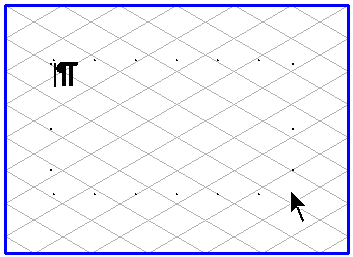
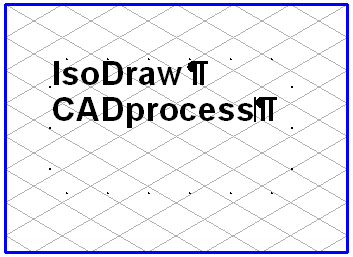
  cursor appears at the top left. Located behind the insertion cursor is the paragraph sign. Type in your text. Once the running text reaches its limit, you will see that it jumps automatically to the next line. Your text may well have a different appearance to that shown here because you have set different text attributes.
tool (Drawing of text inside a rectangle) from the toolbox. The cursor becomes a drawing cursor. Move the cursor to the point of your drawing where you want the text to start. Click the mouse. The cursor becomes an arrow cursor. Holding down the mouse button, drag open a dashed rectangle towards the bottom right. This box sets the limit for the running text. As soon as you release the mouse button, the flashing insertion cursor appears at the top left. Located behind the insertion cursor is the paragraph sign. Type in your text. Once the running text reaches its limit, you will see that it jumps automatically to the next line. Your text may well have a different appearance to that shown here because you have set different text attributes.