
With this menu you can check collision or thin walls between components, pipes, inserts and plate faces.
Create Ejector .
* Click Components.
* Click New on Standard Components dialogue.
Components dialogue box appears.
* Click Component.
Components browser list appears.
* Select Ejector under Ejector.
The dialog name changes to Ejector.
The Start Face is selected automatically for ejectors, as the bottom face of Plate6.
Position dialogue box appears.
* Select the following point
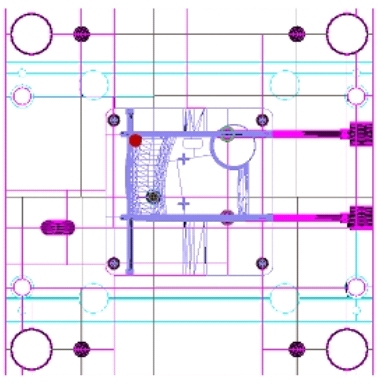
* Click Accept.
* Click D1 and select 8.
* Click .
.
* Hide all except Core2.
* Click Tools under Mold Base dialogue box.

The Tools dialogue box appears.

* Click Collision under Collision Detection.
The Collision Detection dialogue box appears.
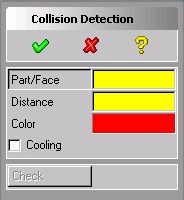
* Click Part and select Core2.
* Key-in Distance to 0.2.
* Click Check.
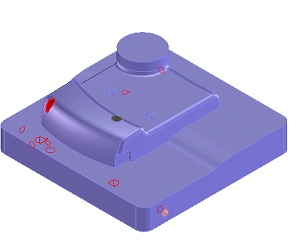
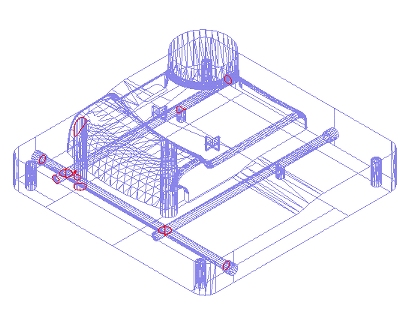
* Click F6 to wireframe to facilitate showing the collision areas.
* Click Components.
The Standard Components dialogue box appears.
* Click Remove under Modify Group.
The Remove Components dialogue box appears.
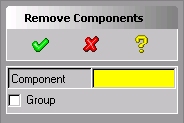
* Select Ejector that was created in previous step.
* Click .