Modernized User Interface for Creo NC Step Parameters
Creo Parametric 13.4.0.0
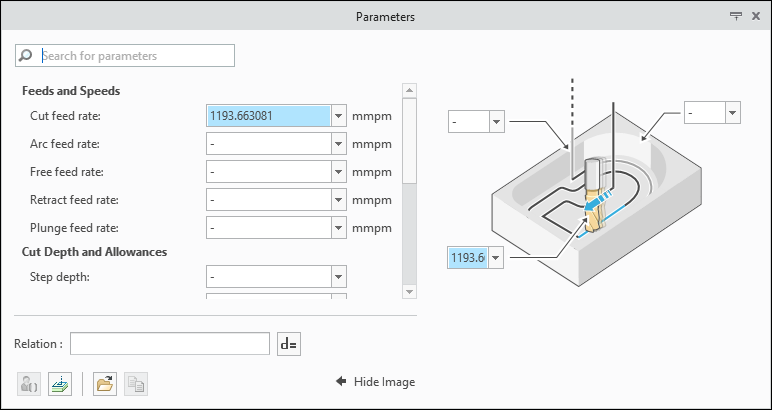
User Interface Location: Click any NC step command and then click the Parameters tab.
Videos
Description
The NC step parameters user interface has been modernized to provide visual clarity and ease of use for daily tasks. The updated user interface helps you work more efficiently with NC step parameters.
The modernized user interface includes the following enhancements:
• Parameter lists organized by categories
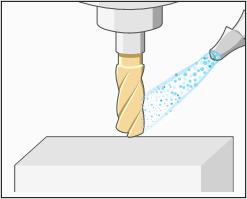
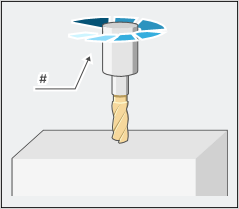
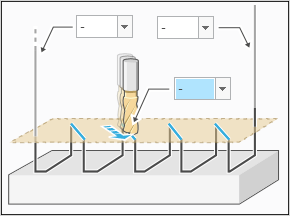
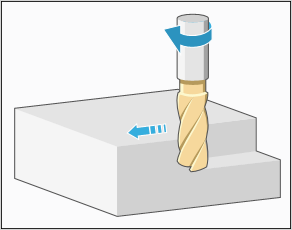
• Visual representation of parameters
• Dedicated input fields for parameter values on the images
• Interactive images for parameters
• Search tool for parameters
• Dedicated field for defining relations

Benefits
This enhancement provides the following benefits:
• Offers a graphical and intuitive user interface that improves parameter visibility
• Supports parameter search
• Provides user experience that is consistent with Creo NC workflows
Additional Information
Tips: | None. |
Limitations: | None. |
Does this replace existing functionality? | No. |
Configuration option associated with this functionality: | None. |