Boundary or Volume Conditions
The source can be specified to a volume, or a boundary as follows:
1. Click the desired Volume or Boundary in the Flow Analysis Tree.
2. Specify Yes to the Source under the Acoustic list in the Properties Panel, as shown in the following figures.
|
Boundary Source 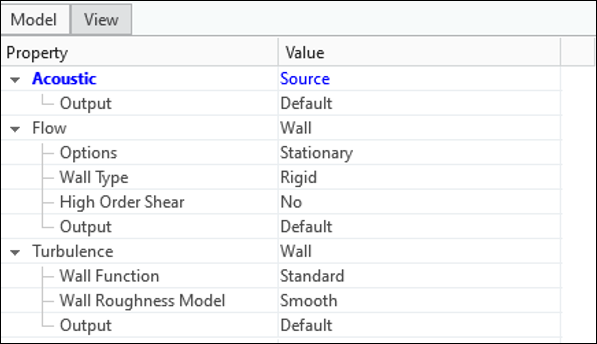 |
Volume Source 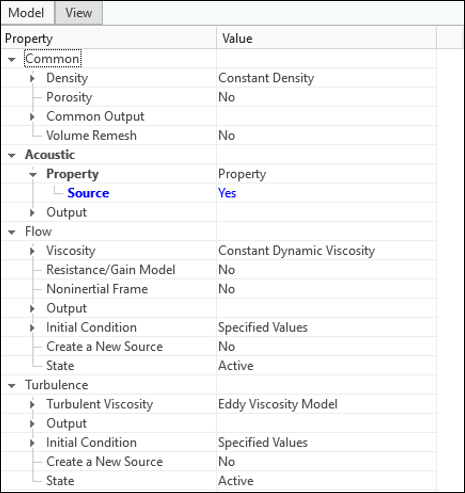 |