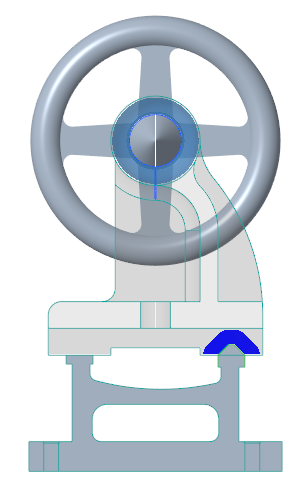
Example: Creating a Contact with an Interaction Region
In the following example, you create a contact between the bed and tailstock of a lathe machine.
Workflow:
1. Define a contact.
2. Specify an interaction region.
Define a Contact
1. Open the part.
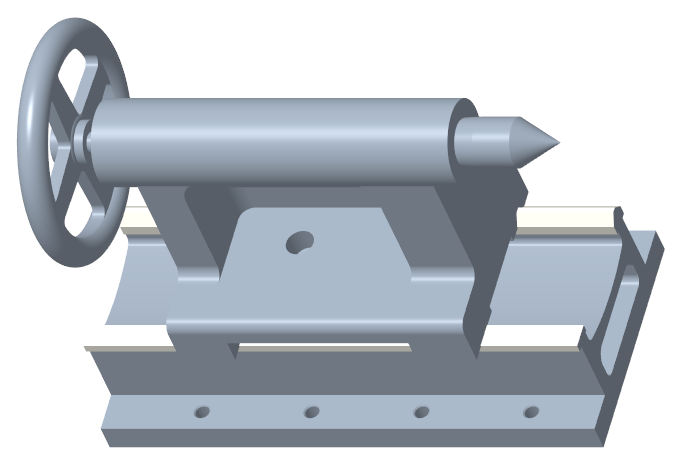
2. Click > . The Generative Design application opens.
3. Click Starting Geometry and select the tailstock of the lathe machine in the graphics window.
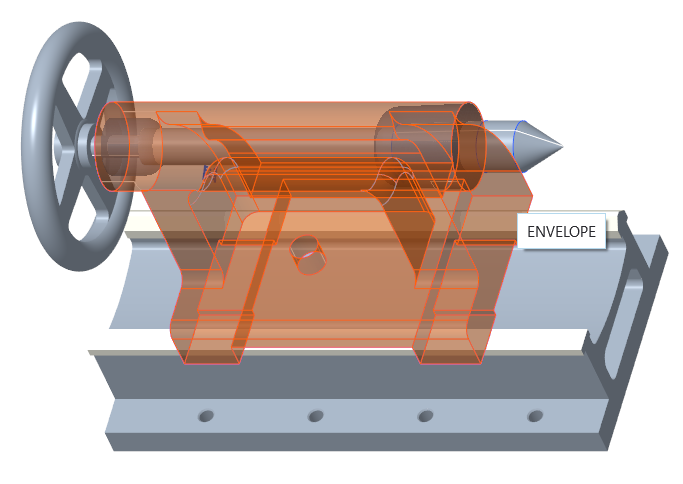
The starting geometry is displayed in semi-transparent blue color.
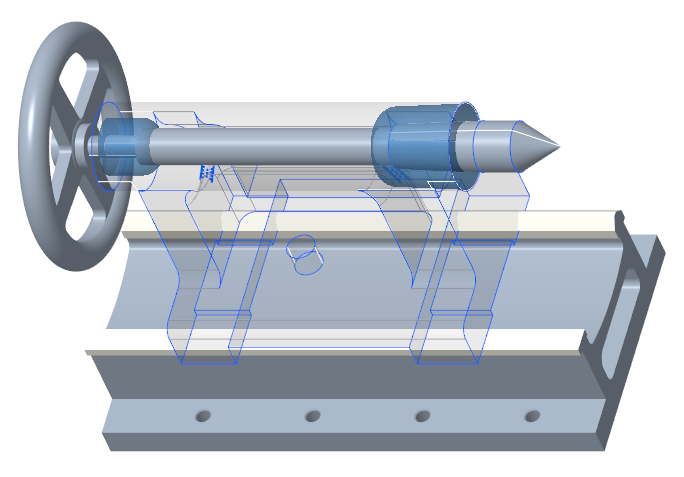
4. Click Contact. The Contact Definition dialog box opens.
5. Select the starting geometry as the first reference.
6. Specify 10 mm as the offset value.
7. Select the bed of the lathe machine in the graphics window as the second reference.
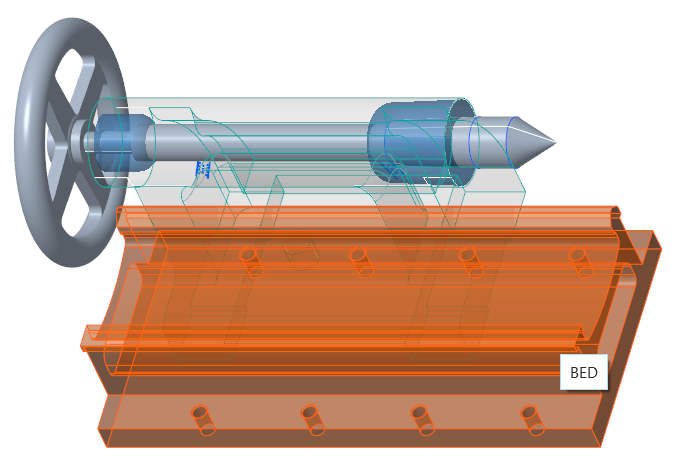
A rolling ball offset is created at four places, around the slideways of the lathe machine.
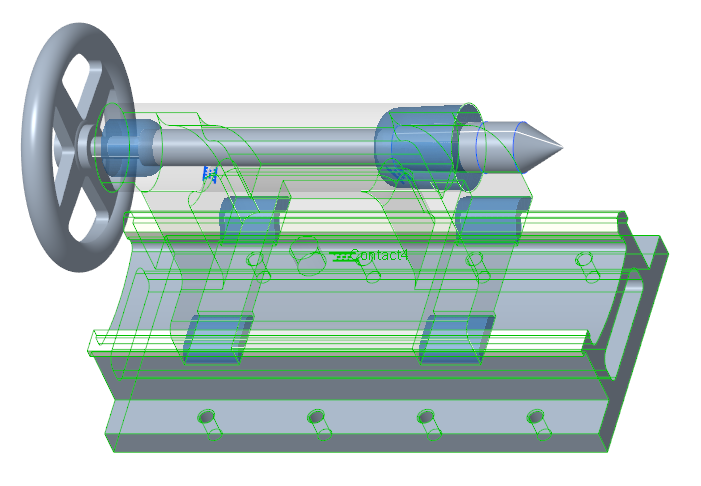
8. Click > . The contact is displayed around the flat surface and V-shaped surface of the lathe slideways.
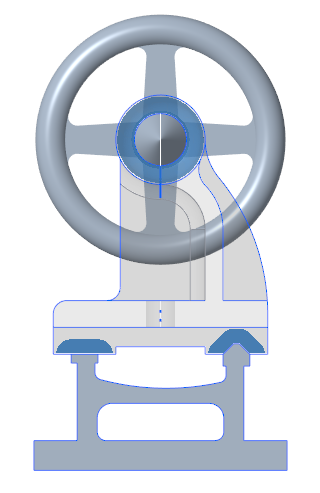
9. Click > .
Specify an Interaction Region
1. Click inside the Interaction region box.
2. Select the V-shaped surfaces of the lathe sideway in the graphics window.
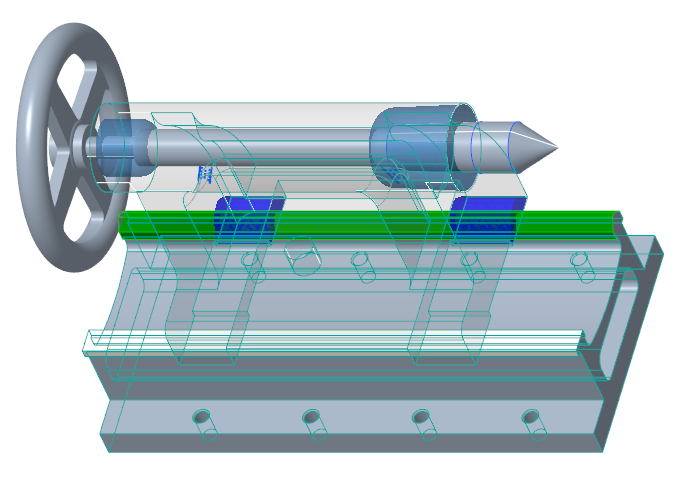
3. Click OK. Contact is created only around the interaction region.
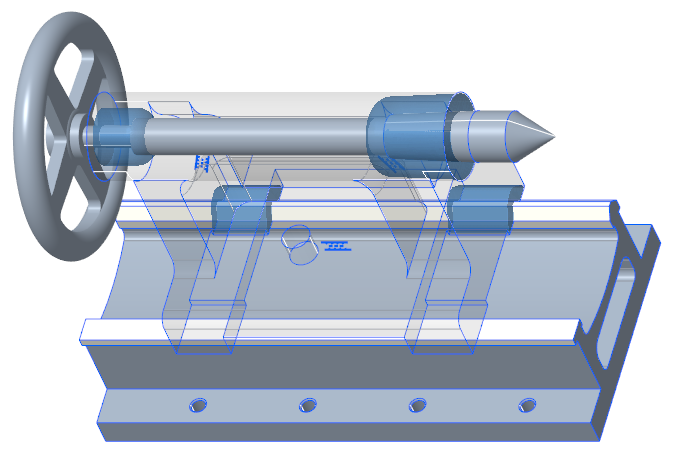
4. Click > . The contact is displayed around the V-shaped surface of the lathe slideway.