Rigid Bodies
Creo Parametric 12.4.0.0
User Interface Location:
1. In the Generative Tree, expand the Connected Geometry node.
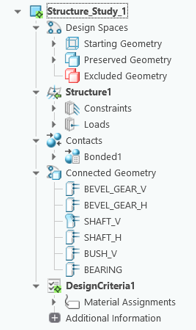
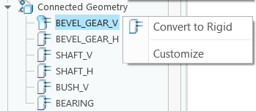
2. Select a deformable body, right-click, and then click Convert to Rigid.
Videos
Description
You can now specify a connected geometry as rigid. Previously, all bodies were deformable.
Connected geometry is created when contacts are created between bodies. This is a new category of bodies in the Generative Tree.
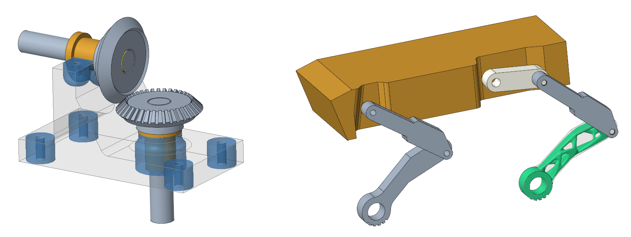
You can now apply a rigid or deformable behavior to geometry during an optimization, choosing the one that works best for your application.
Benefits
This enhancement improves performance because rigid bodies solve much faster than deformable bodies.
Additional Information
Tips: | None. |
Limitations: | No known limitations. |
Does this replace existing functionality? | No. |
Configuration option associated with this functionality: | None. |