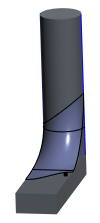
Example: Replace the References of a Style Feature
In this example we replace the top and bottom curves of a Style feature.
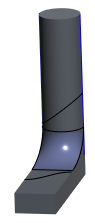
1. In the Model Tree, right-click the Style feature that contains the references to replace, and select  Edit Definition. The Style tab opens.
Edit Definition. The Style tab opens.2. In the Style Tree or graphics window, hold down the CTRL key while you select the references to replace, and click > >  Replace References.
Replace References.The Replace References dialog box opens. The selected references are listed under Original references.
3. To replace the first reference:
a. Under Original references, select the first reference to replace.
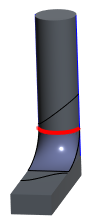
b. To view a preview while you are working, select the Dynamic Preview check box.
c. To replace the first reference, click the New reference collector, and then select a new reference.
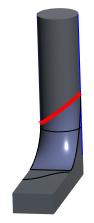
4. To replace the second reference:
a. Under Original references, select the second reference to replace.
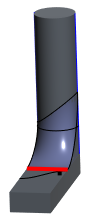
b. Click the New reference collector, and then select a new reference.
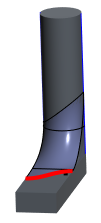
5. When you finish replacing references for the feature, click OK.