Creo Ansys Simulation—Expanded Results
Creo+
User Interface Location: After running a simulation study the chart and slider commands and the animation options are available on the results mini-toolbar for both global and defined results.

Video
Video on Improved Animation:See the video on the Learning Connector.
Description
Creo Ansys Simulation now has improved substep results. Maximum and minimum graphs are available for all contour plots.

You can use the slider bar to select the required substep for animation. The animation provides accurate substep colors and animation steps for all results as seen in the following video illustration:
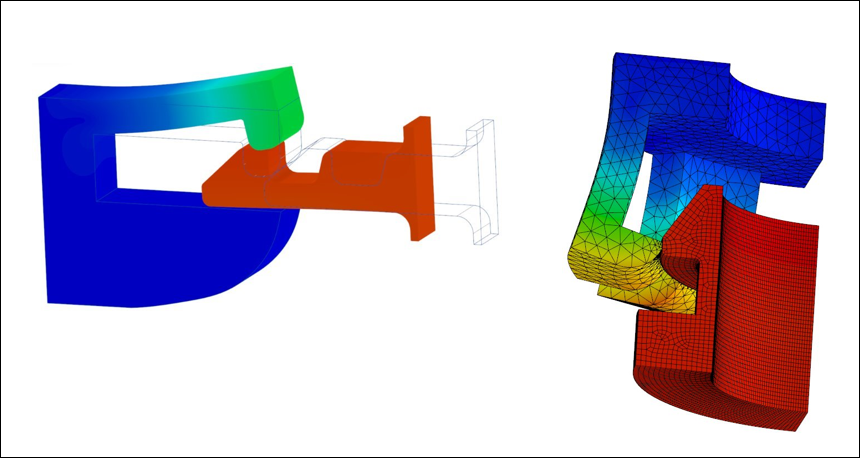
There is a seamless switching between different result types. Probe support for graphs for all results is now available. Post processing for a snap-fit connector is now fully supported as shown in the following figure:
Benefits
This enhancement provides the following benefits:
• Graphing for all required simulation results
• Powerful results handling
• Highly accurate post processing
Additional Information
Tips: | None. |
Limitations: | No known limitations. |
Does this replace existing functionality? | No. |
Configuration option associated with this functionality: | None. |