Dynamic Streamlines in Creo Flow Analysis
Creo+
User Interface Location: > .
Videos
If the video does not play, watch it on YouTube.
Description
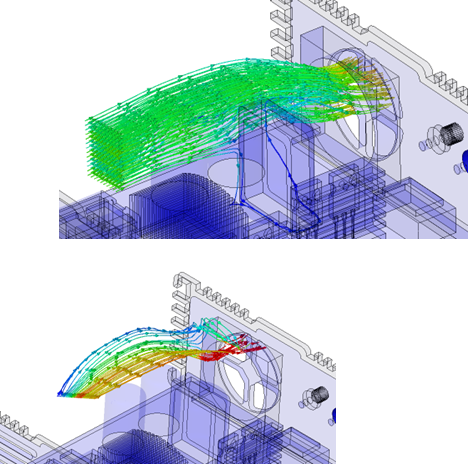
You can now use the new Dynamic Stream Lines command to create streamlines in Creo Flow Analysis.
This enhancement provides you with additional controls for streamlines that include point, line, circle, rectangle, sphere, and box. Each of these controls has a new 3D widget dragger to move the control to the desired location. The streamline structure is then displayed in the tree.
Benefits
With this enhancement, you can enable more controls for the streamlines to improve the visibility and analysis of the flow.
The dragger enables you to easily define the properties of streamlines.
Additional Information
Tips: | None. |
Limitations: | No known limitations. |
Does this replace existing functionality? | No. |
Configuration option associated with this functionality: | None. |