Make Stop Work
Creo+
User Interface Location: Click the Stop command in the regeneration progress dialog box during an assembly regeneration.
Description
There is now an enhanced ability to stop a user initiated regeneration. The regeneration procedure responds immediately when you click the Stop button. During the requested stop, the components that are being regenerated complete regenerating correctly, without introducing any partially regenerated parts or failed features.
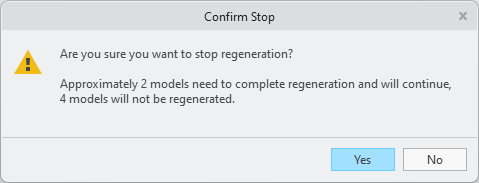
When you click Stop, you are prompted to confirm stopping the regeneration.
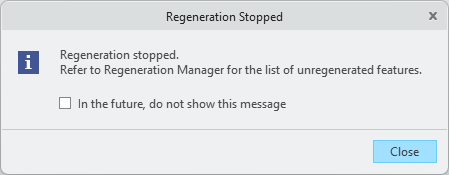
After you confirm stopping regeneration, you are reminded that you can still see the list of models and features that need regeneration in the Regeneration Manager.
Benefits
Improved productivity by providing a responsive procedure to stop regeneration with a clear and reliable result. Accelerated workflows by reducing wait times.
Additional Information
Tips: | None. |
Limitations: | No known limitations. |
Does this replace existing functionality? | No. |
Configuration option associated with this functionality: | None. |