Placing the Ruler/Grid
To change the orientation of the axes:
1. Press PLACE in RULER/GRID.
2. Indicate two points that coincide with the new x-axis of the ruler. These two points will often lie on an existing line.
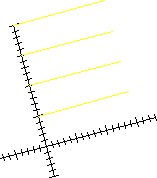
Figure 21 shows the ruler axes.
Ruler Axes