Module Usage Page
The Module Usage page provides an overall summary on the use of Creo Elements/Direct Modeling functional areas.
In the Go to page list, select Module Usage to view this information.
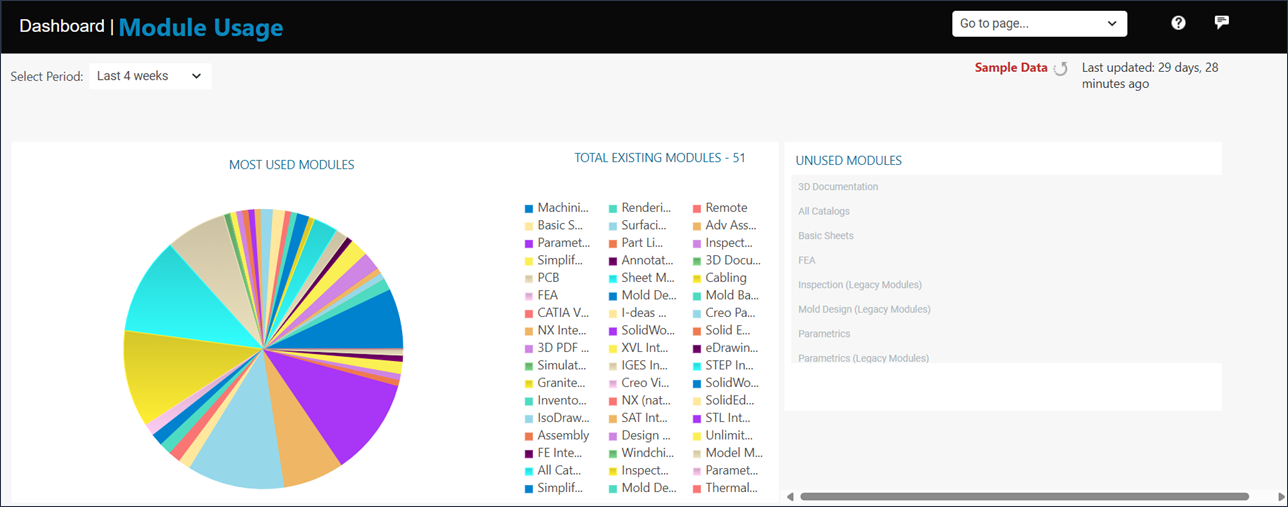
In the Select Period list, you can specify the time period.
The page contains a pie chart that shows the modules used in Creo Elements/Direct Modeling for a specified period. In the pie chart, point to a module to see the usage percentage. Click MOST USED MODULES to open the Module Usage Details Page, which provides information about the usage of Creo Elements/Direct Modeling functionality.
TOTAL EXISTING MODULES lists all the modules that are available in Creo Elements/Direct Modeling. Click TOTAL EXISTING MODULES to open the Module Usage Details Page for more details.
UNUSED MODULES lists all the functionality that has not been used in the specified period. Click UNUSED MODULES to open the Module Usage Details Page for more details.