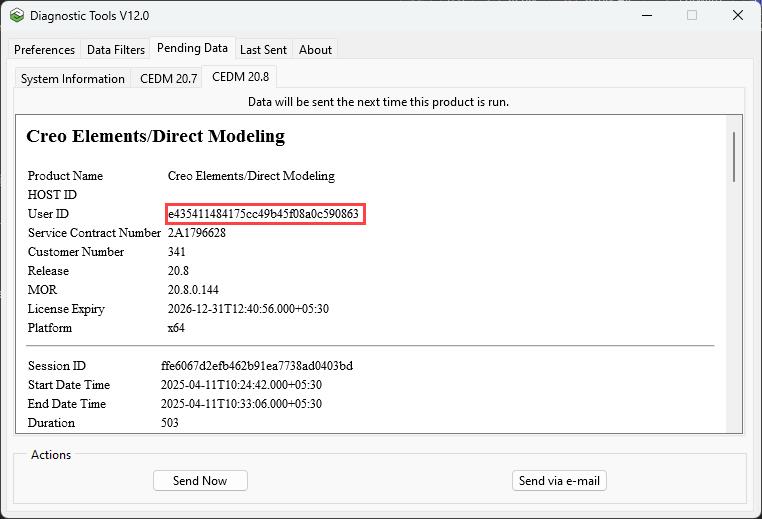
Identifying User ID and Machine ID
1. Click > > to open the Diagnostic Tools dialog box.
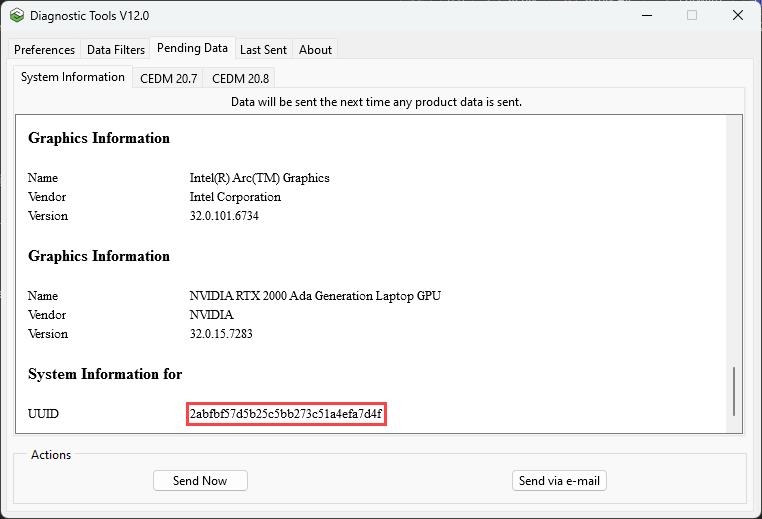
2. Click > to locate the Machine ID.
3. Click the tab for an application, such as Creo Elements/Direct Modeling, to access the User ID.