 |
|
|
Mirroring All Features
You can mirror all features in the model by selecting the part node from the mode tree as input for the Mirror Tool. |
|
| Task 2-29. Mirror all features in the model, creating a symmetric part. |
-
Select on the background to de-select the hole.
-
Press CTRL + D to orient to the standard orientation.
- Select the FRAME_2.PRT node from the model tree.
- Start the Mirror Tool
 from the feature toolbar. from the feature toolbar.
- Select datum plane RIGHT from the model tree.
- Click Complete Feature
 . .
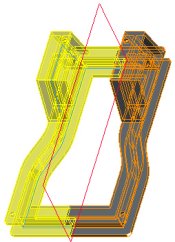 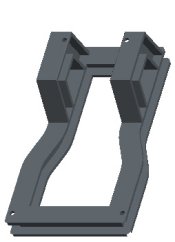
Mirror Created |
- Click Save
 from the main toolbar, and click OK. from the main toolbar, and click OK.
- Click File > Close Window
 . . |


 Previous

