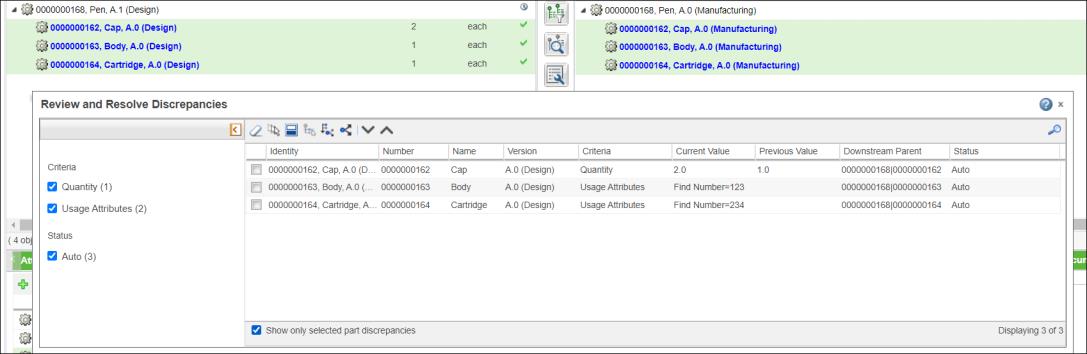
In the Review and Resolve Discrepancies dialog box, select the Show only selected part discrepancies checkbox to view the discrepancies related to the selected parts in the upstream tree structure. You can select the Show only selected part discrepancies checkbox and use the  or
or  actions to go through individual discrepancies, one at a time. When you clear the Show only selected part discrepancies checkbox, Windchill displays all discrepancies that were visible before you selected the Show only selected part discrepancies checkbox. The following use case shows how you can resolve certain discrepancies from the detected discrepancies.
or actions to go through individual discrepancies, one at a time. When you clear the Show only selected part discrepancies checkbox, Windchill displays all discrepancies that were visible before you selected the Show only selected part discrepancies checkbox. The following use case shows how you can resolve certain discrepancies from the detected discrepancies.
 Detect Discrepancies. The related discrepancies are highlighted in the upstream and downstream tree structures, and the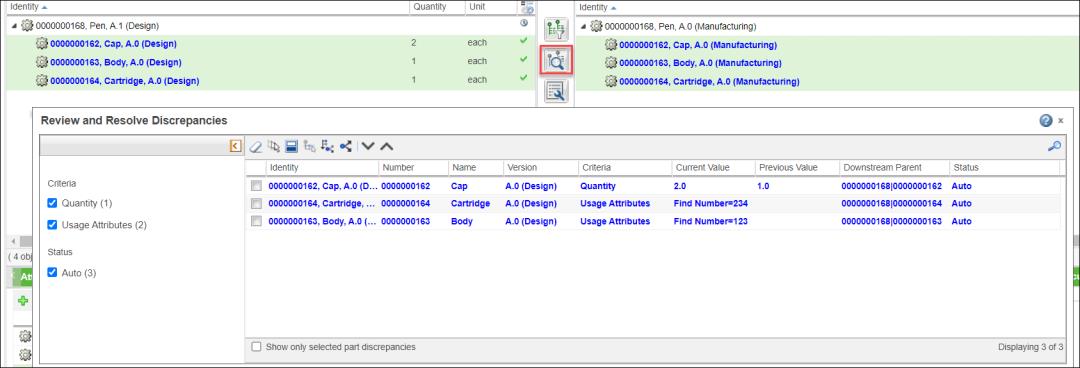
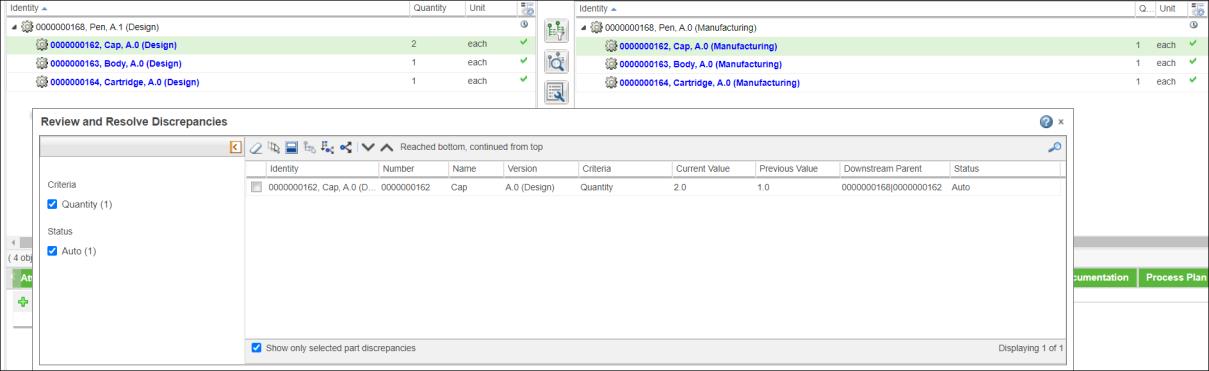

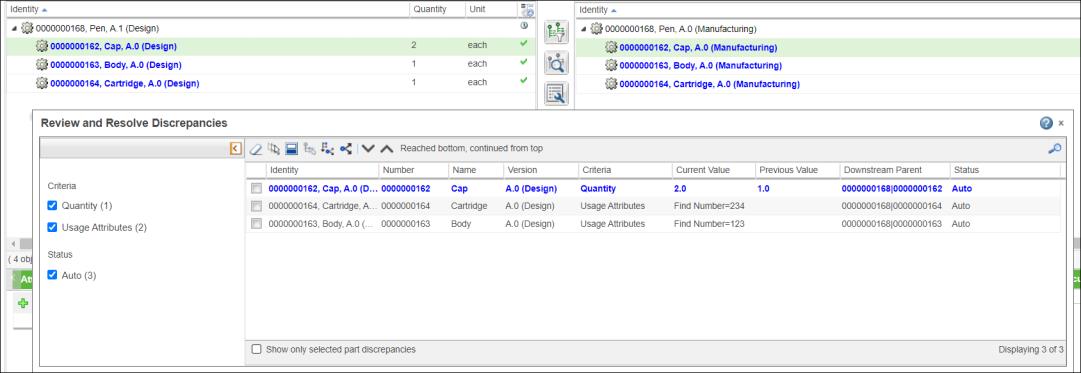
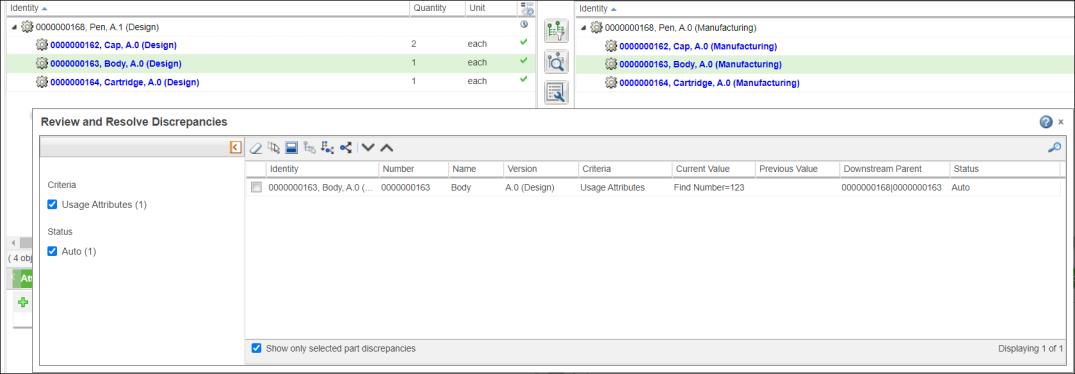
 Propagate changes to downstream. The selected discrepancy related to part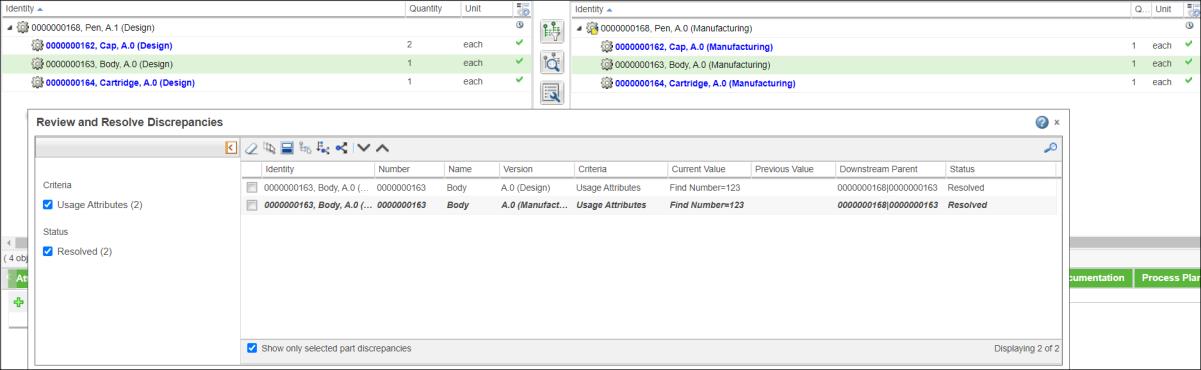
 Review and Resolve Discrepancies actions in the middle pane toolbar.