|
Menu
|
Shortcut Key
|
Type of Search
|
|
>
|
CTRL+F
|
Text
|
|
>
|
CTRL+SHIFT+E
|
Item ID
|
|
>
|
CTRL+SHIFT+S
|
Document section
|
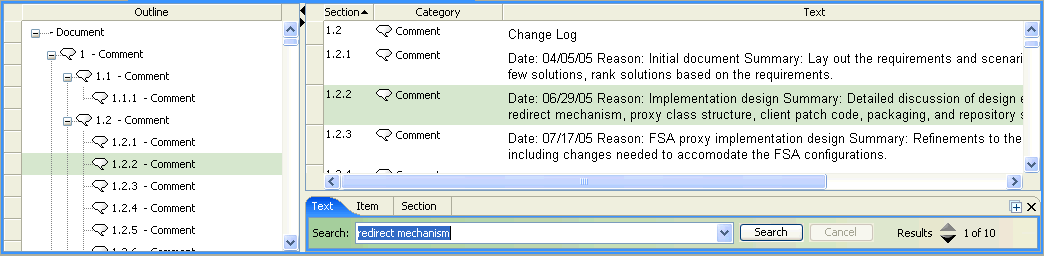
 | The document row is highlighted in the Contents panel and also in the Outline panel if the two panels are linked in the Document view options. |
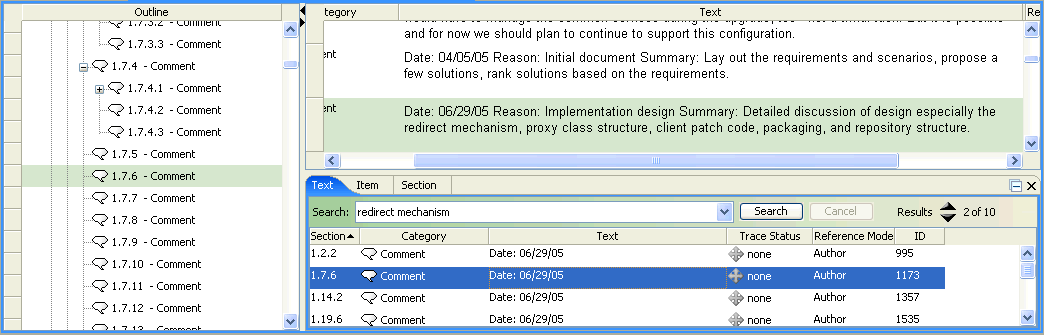
 to move to the next or previous row that matches the search criteria. You can also click
  or drag the top of the search panel up to display a list of search results. You can click on a result in the list and the corresponding row is selected in the Document view.