Change Impact Analysis
Change impact analysis in Windchill enables you to identify and manage the objects affected when an object, such as a part, undergoes changes. This ensures that all related components, including remote requirements, are properly tracked and updated.
Collecting External Objects
The external object types in Windchill are controlled by the following properties in the wt.properties file:
• wt.change.remoteChangeableObjects.enabled
• wt.change.remoteChangeObjects.enabled
By default, these properties are set to true, allowing all external object types to be added to the Affected Objects table in a Change Request, Problem Report, or Variance
To collect all external objects related to the selected object, follow these steps in any Change Request, Problem Report, or Variance:
1. Navigate to the Select Affected Objects tab, select the object (for example, a part), and click  Collect affected objects action in the Affected Objects table.
Collect affected objects action in the Affected Objects table.The Collect Objects window opens, allowing you to gather related local and external objects.
2. In the Collect Objects window, select the affected object and click  Collect upstream linked objects or
  Collect downstream linked objects action to collect the upstream or downstream objects related to the selected object.
Collect upstream linked objects or Collect downstream linked objects action to collect the upstream or downstream objects related to the selected object.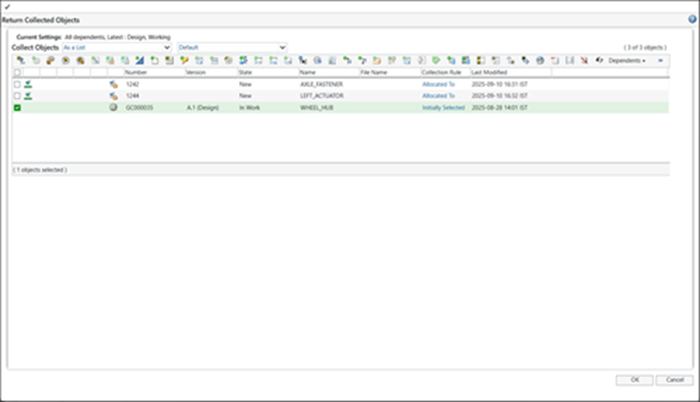
3. Click OK.
All objects related to the selected object are added to the Affected Objects table.
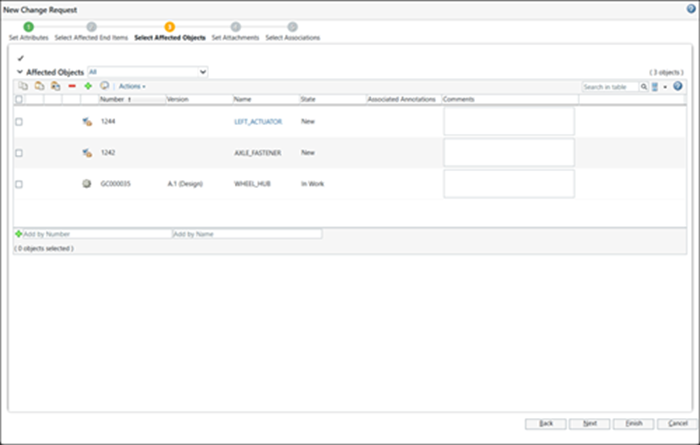
4. Click Finish.
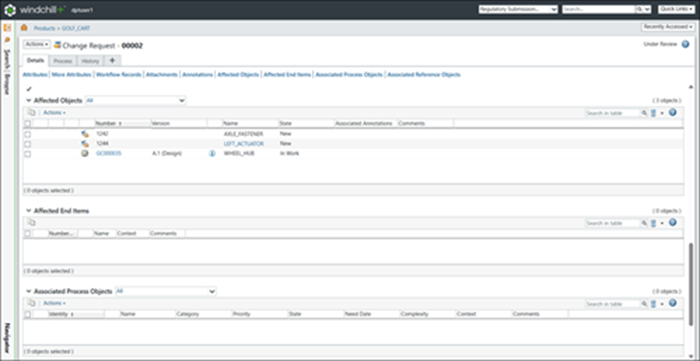
The external objects are now included in the Affected Objects table of the Change Request, Problem Report, or Variance.
Example: