Implementing EPLM Licenses and Upgrading Simultaneously
This topic outlines the transition process from the legacy PLM license package to the new ePLM license package with simultaneously upgrading to 13.1.1.0.
Upgrade to 13.1.1.0 and implementing ePLM licenses simultaneously
1. Upgrade to 13.1.1.0 and confirm that the new license profiles are available.
2. Review old group membership.
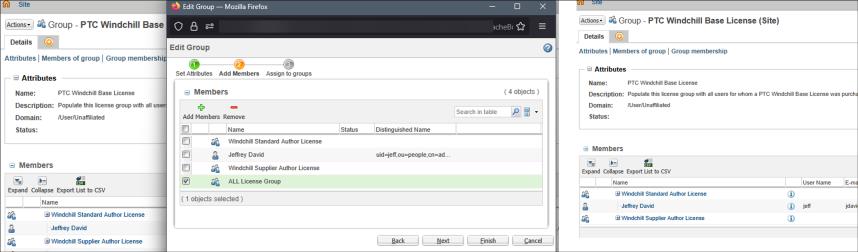
3. Add members from old license groups to new Site-level license groups.
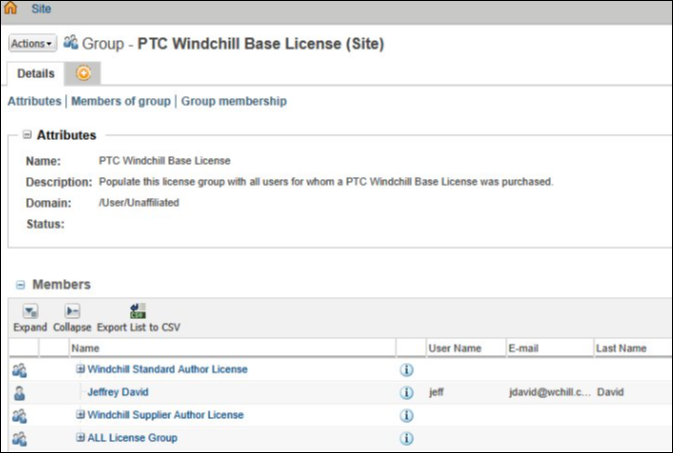
4. Add members from old license groups to new organization level license groups.
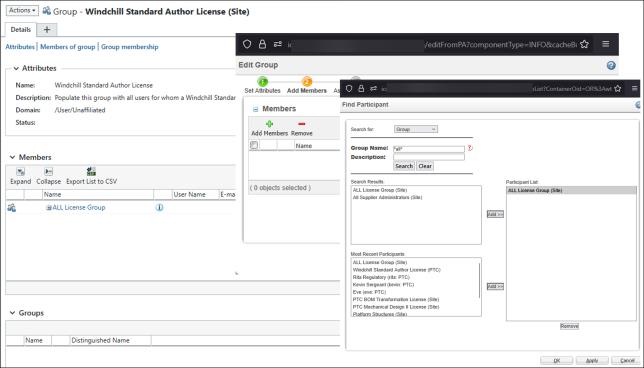
5. Use Participant Administration to ensure all users are correctly assigned.
6. Remove members from old license groups. Your system is transitioned to ePLM packaging of 13.1.1.0