Navigating Between the Generic Process Plans and Generated Process Plans
Use the Generic Process Plans table to view all the related generic process plans information. You can add the Generic Process Plans table from the process plan information page. You can view the generic process plans information by adding a new tab and then selecting > > to display the Generic Process Plans table.
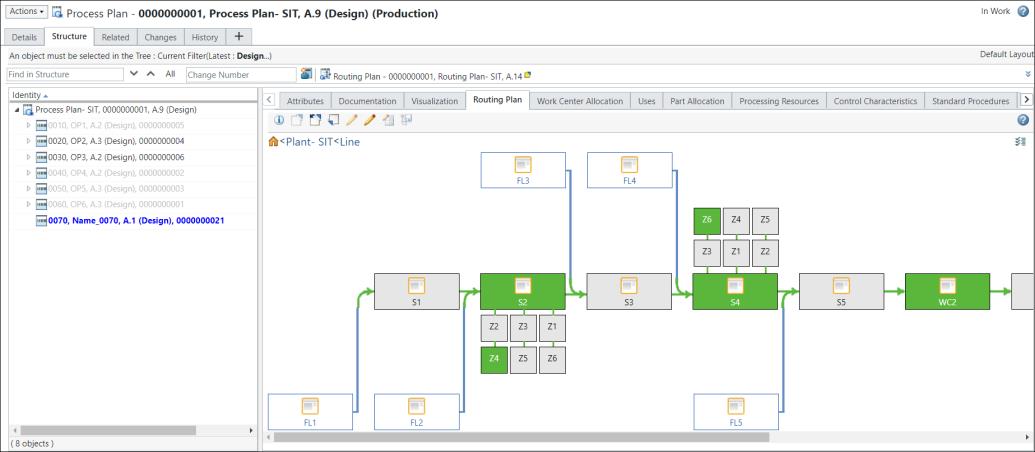
Use the Generated Process Plans table to view all the related generated process plans information. You can add the Generated Process Plans from the process plan information page. You can view the generated process plans information by adding a new tab and then selecting > > to display the Generated Process Plans table.

 | • You can use these tables to navigate from the generic process plans to the generated process plans and the other way around. Click on the hyperlink in the tables to navigate to the desired entity. • For a generic process plan, the system displays the  icon. icon.• For a generated process plan, the system displays the  icon. icon. |
For an overview of information page functionality, see About Information Pages and Customizing Information Page Tabs.