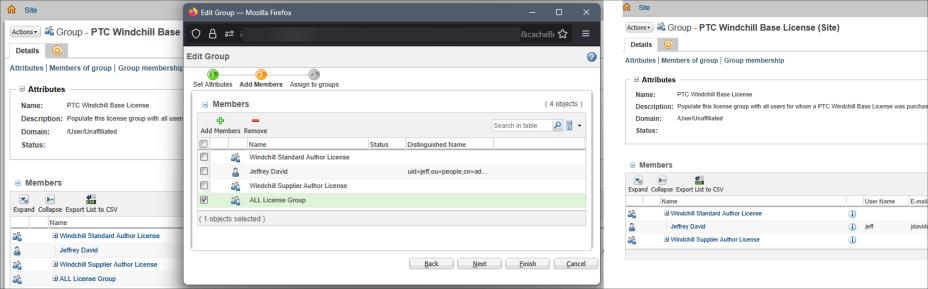
EPLM License Implementation on Earlier Versions
Use the described process to successfully complete the implementation of ePLM Licensing on Version Earlier than Windchill 13.1.1.
Implementation of ePLM Licensing on Version Earlier than Windchill 13.1.1
1. Verify the current license profiles by navigating to > > . Confirm that the new profiles are not listed.
2. Download the XML file and extract the contents. Download the zip file from CS429921. Extract the contents and copy WindchillGroupsPackagedLicense.xml to %WT_HOME%\loadXMLFiles\roleAccess. Replace %WT_HOME%, <Site Admin>, <password> and <org name> with the appropriate values for your system.
3. Run the command to load the groups at ORG level to avoid naming conflicts.
4. Verify that new groups are created by navigating to > > > . Search for new groups and confirm.
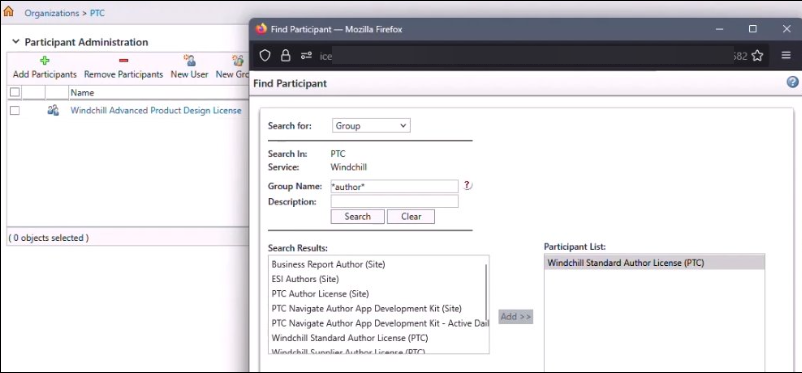
5. Verify the existence of association of new license groups with old license group names by navigating to > > > > . You can see the legacy groups that are mapped to the new ePLM license group.
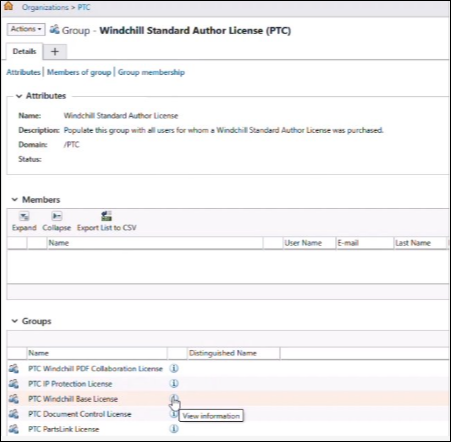
6. Move the members from old license to new organization level license groups with equivalent capabilities. To do so, browse to > > > > . Click on any group. Click on the Information icon. Check the members for this group. Now navigate to the new organization level license group where the members is required to be moved, > > > > > > > > . Select the member that is required to be moved to the new license group.
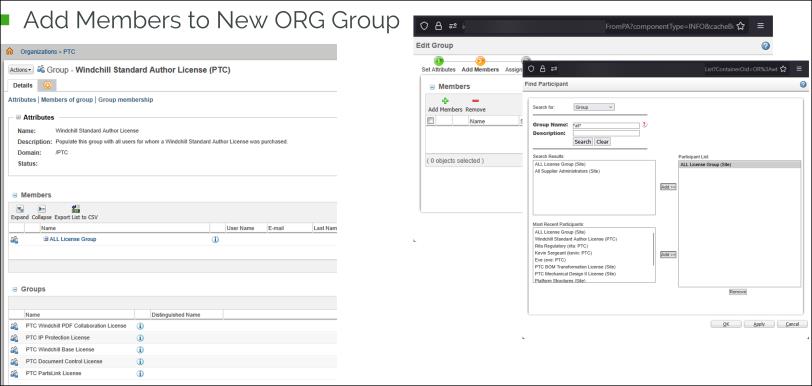
7. Remove the members that are added to the new license groups, from the old license groups.