Replication History: Overview and Processes
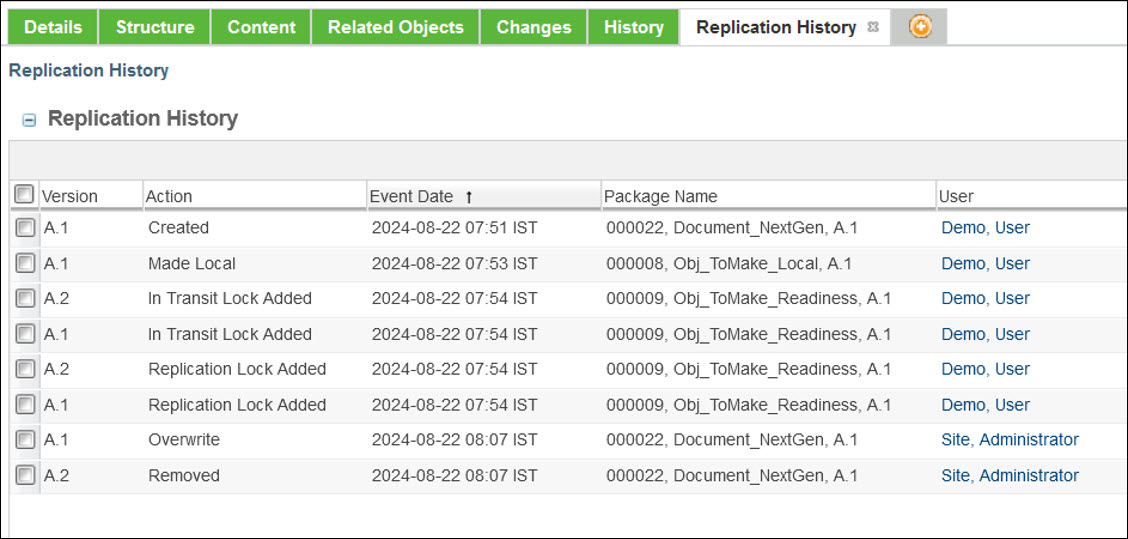
Replication History is a detailed record of all replication activities. It enables users to monitor how objects are processed across different replication scenarios. This history is accessible through the customizable History menu.
To enable this functionality,
1. Go to Site  > > > .
> > > .2. Set the Collect Replication History of Objects preference to Yes.
Once enabled, every action triggered by the replication process is logged in the Replication History tab.