Zinc
What Does This Widget Do?
The Zinc widget allows you to open the Zinc app from within an experience. For more information about Zinc, see Zinc in the ServiceMax Help Center.
 |
The experience viewer must have the Zinc app downloaded on their device.
|
When Should I Use This Widget?
The Zinc widget is helpful when you want to give an experience viewer access to remote experts. For example, if you’ve created a service experience for field technicians, they can use the Zinc button to call experts for live, guided help using augmented reality.
Are There Any Special Properties, Services, Events, or Actions?
To view a list of common widget properties, services, and events, see Common Widget Properties, Services, and Events.
The following table is a list of properties that are specific to this widget.
|
Property
|
JavaScript
|
Type
|
Description
|
|---|---|---|---|
|
Orientation
|
orientation
|
string
|
Choose the orientation of the widget with text. For example:
• Horizontal:
 • Vertical:
 |
The Widget in Action
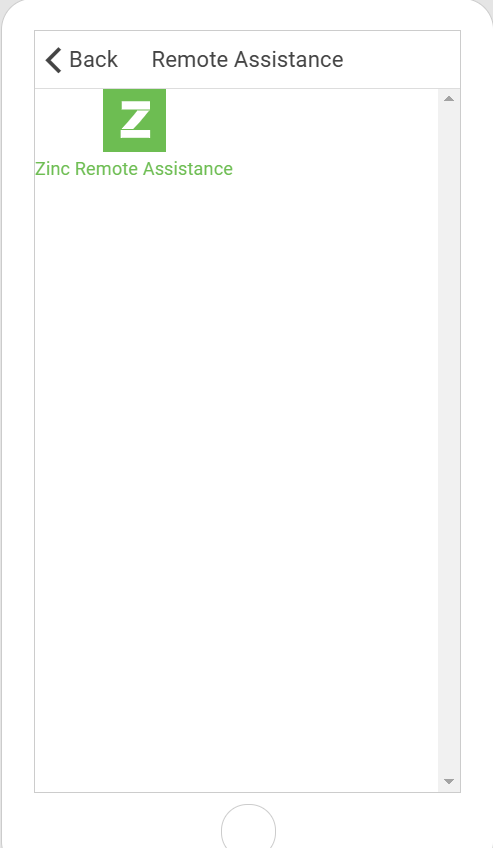
Here’s an example of what your widget might look like!
|
Minimum Steps Required for Use
|
What It Looks Like
|
|---|---|
|
1. Drag and drop an Zinc widget onto the canvas.
2. Enter the text you want displayed with the widget in the Text field.
3. Select Vertical or Horizontal for the orientation.
|
 |