Application Styles
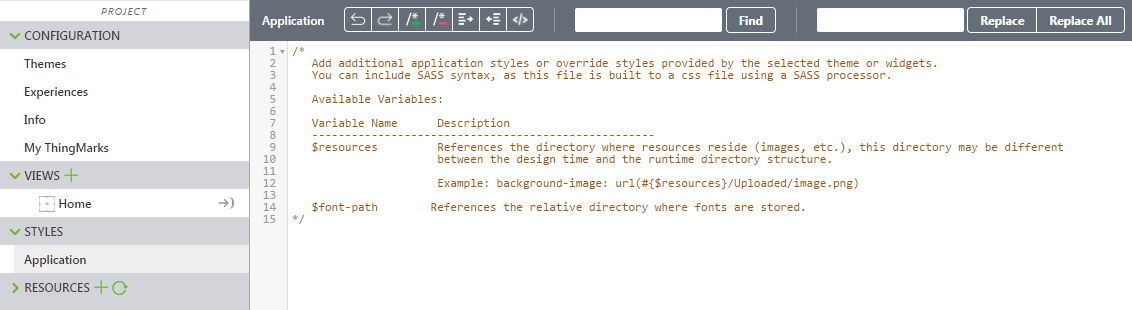
The STYLES tab allows you to define CSS application styles for your experience. Click the drop-down arrow next to STYLES, and then click Application to display the style editor:
For more information, see Using CSS and Styling in Vuforia Studio.