Reports
General
You can access Performance Report by clicking on the Reports tile on the CWC landing page, or  on the left side vertical menu.
on the left side vertical menu.Reports are listed in a submenu. The submenu can be expanded or collapsed with the handle ( or
or  ).
).
or ).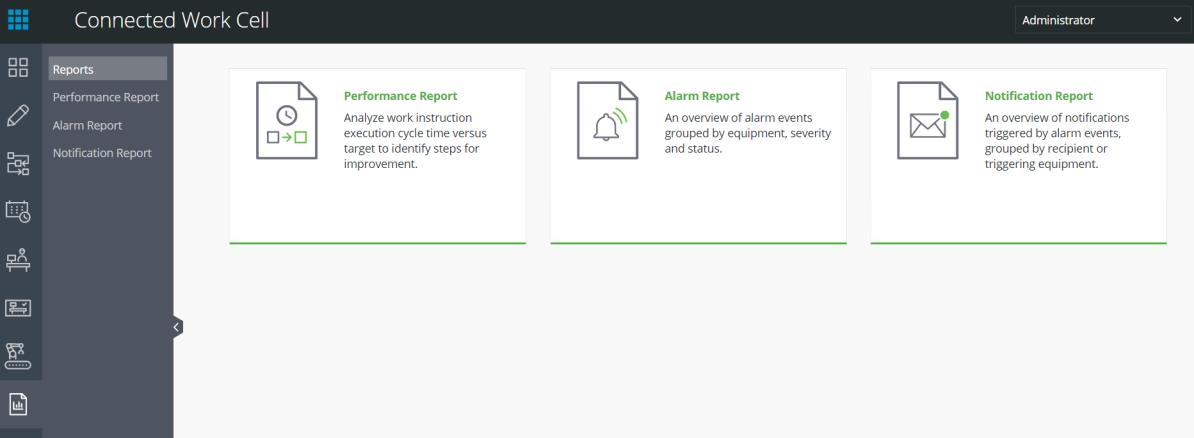
Contents