Installing Bar Chart Widget Extension
1. From a web browser, launch ThingWorx.
2. Log into ThingWorx as an administrator.
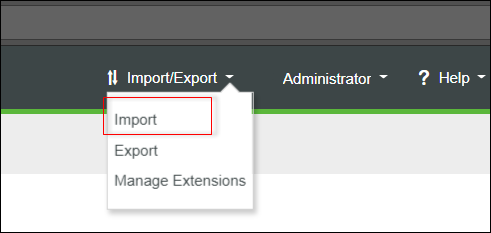
3. Go to Import/Export and click Import.
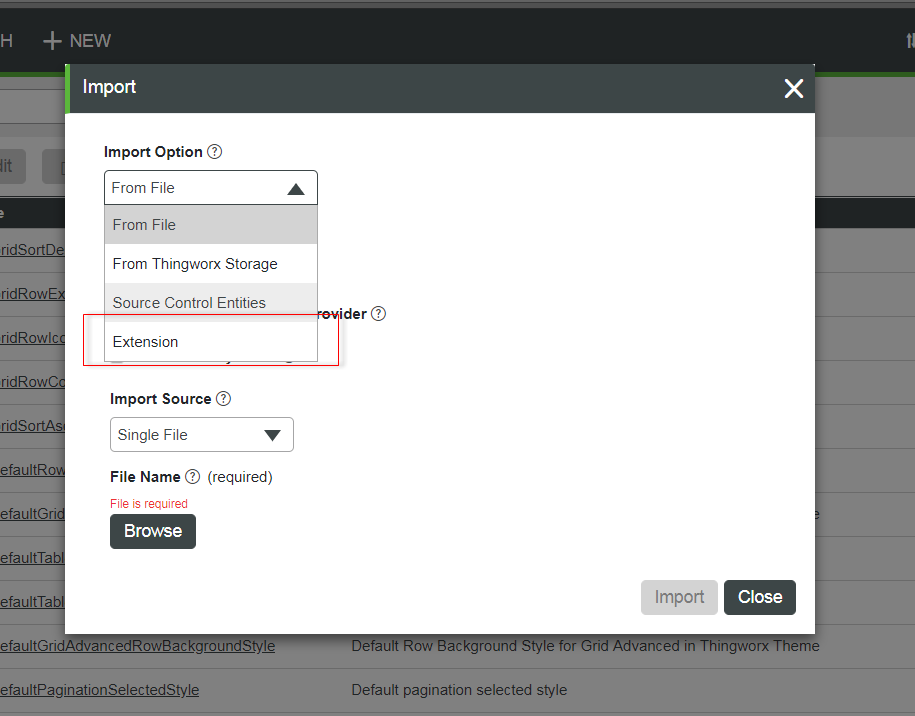
4. Click Extension from the Import Option drop-down list.
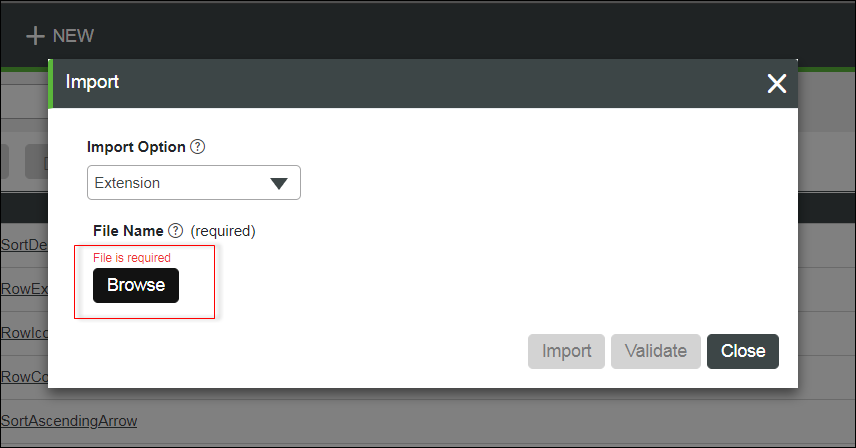
5. Click Browse and select ChartWidget_ExtensionPackage.zip from the location where you have saved it.
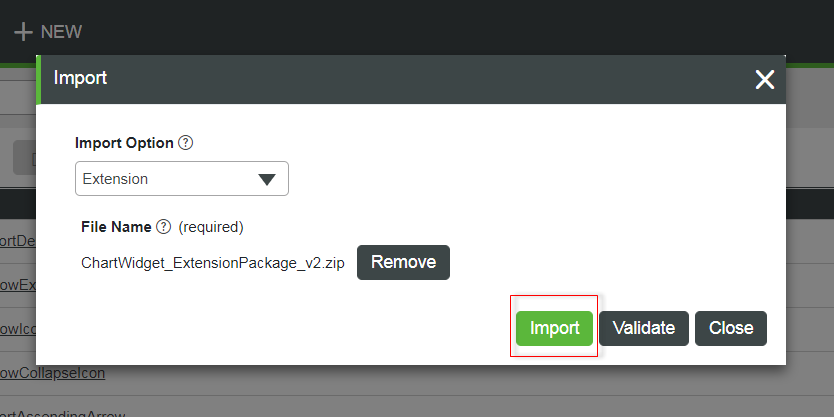
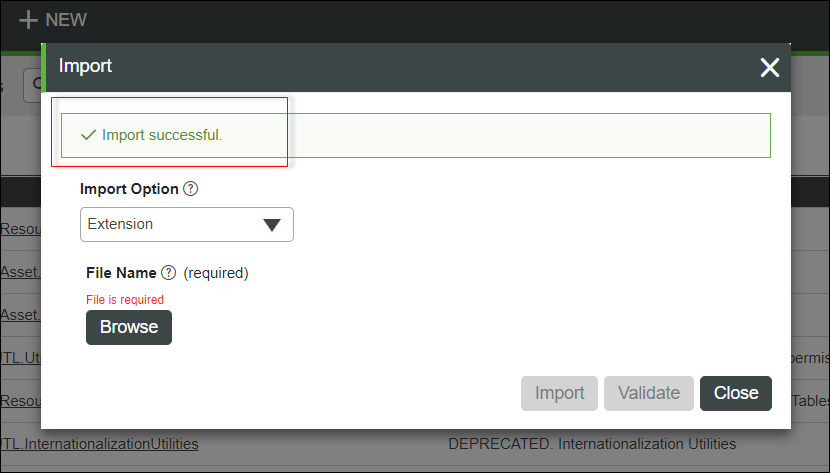
6. Click Import.
 |
If an Import Successful message does not display, contact your ThingWorx System Administrator.
|
7. Click Yes to refresh Composer after importing the extension.