Managing Investigation from a Service Request
You can add, edit, and remove investigation information, such as Observations, Root Causes, and Solutions, while working on a Service Request.
To manage an investigation from a Service Request:
1. Locate the required Service Requests by searching in the sidebar or selecting it from the Service Requests tab, and then click the Service Request number to open it.
The selected Service Request page is displayed.
2. Select the Investigations tab.
The Investigations tab displays sections for Observations, Root Causes, and Solutions associated with the Case.
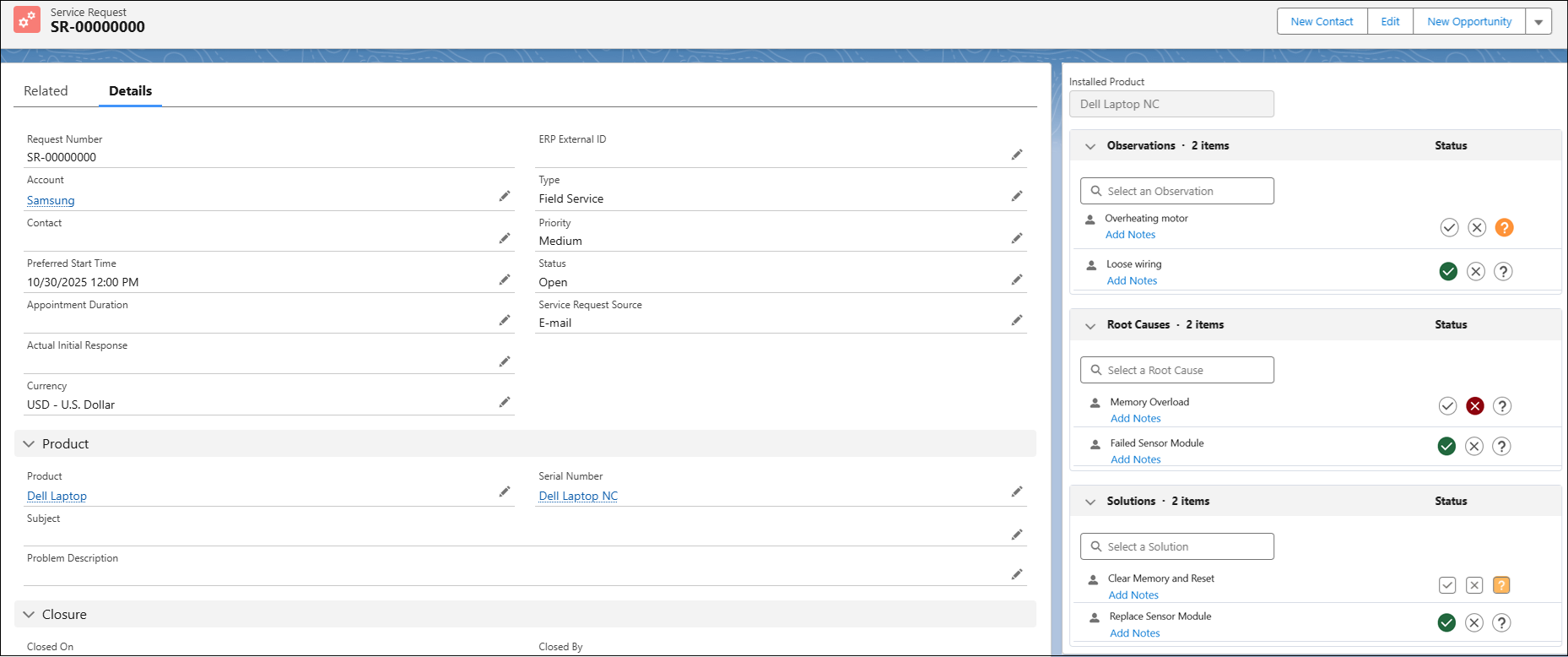
3. Review and update the investigation details as needed.
The system automatically saves your changes, and the Investigation becomes part of the Service Request’s record and service history.
Related Topics