Unblocking the Migration Tool Connected App
When the connected app related to the Migration Tool is blocked for a logged-in user, the tool cannot connect to your Salesforce org, preventing you from loading data.
To resolve this issue, you must unblock the Migration Tool connected app in your org.
To unblock the Migration Tool connected app:
1. Log in to your Salesforce org.
2. Go to Salesforce Setup.
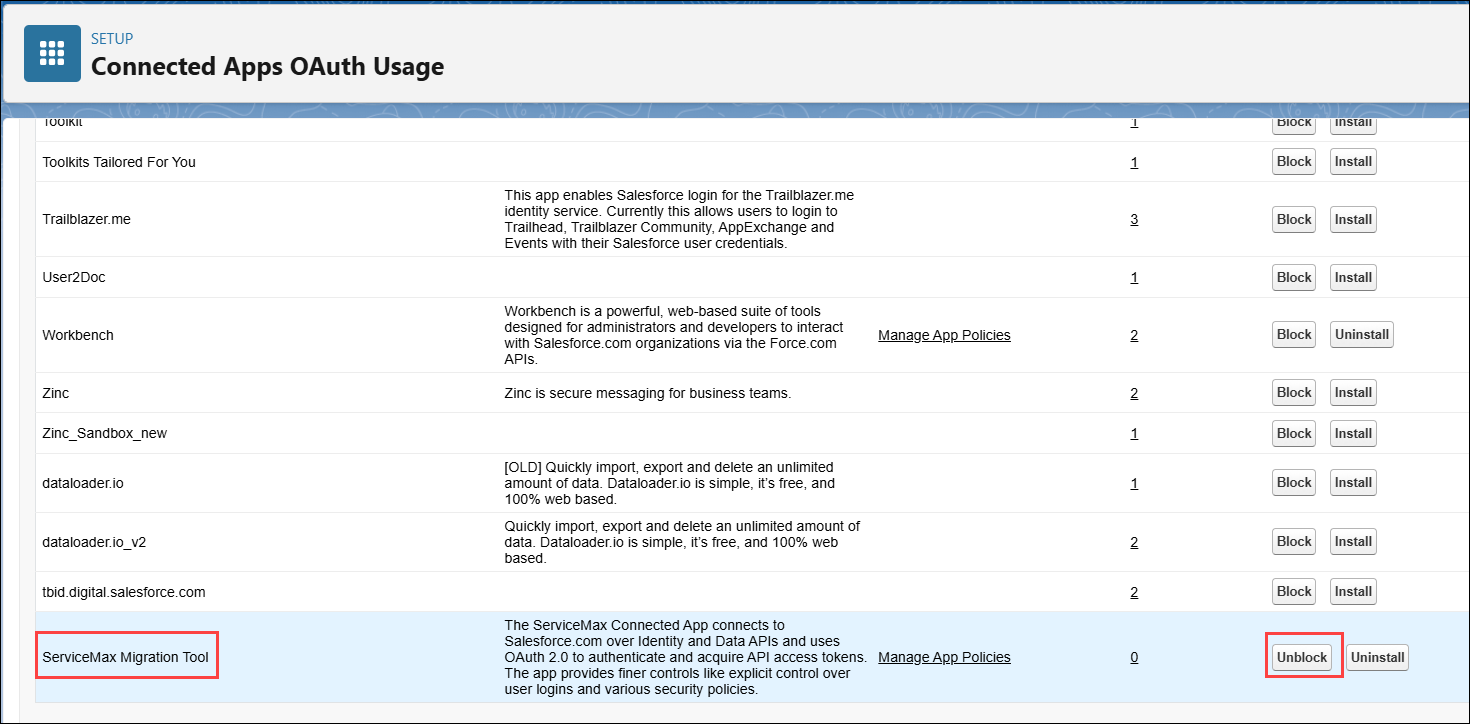
3. In the Quick Find bar, search for and select Connected Apps OAuth Usage.
4. In the list of Connected App, go to the ServiceMax Migration Tool and click Unblock.
Related Topics