Troubleshooting: Installed Base Management
Issue
User was unable to access the Choose columns button on an Installed Product under the Configuration section.
Resolution
For the affected user profile, you must enable the scroller for the IB Visualforce (VF) page in the Salesforce Page layout.
To enable the Visualforce scroller in a Salesforce Page layout:
1. From the Home page, go to Setup.
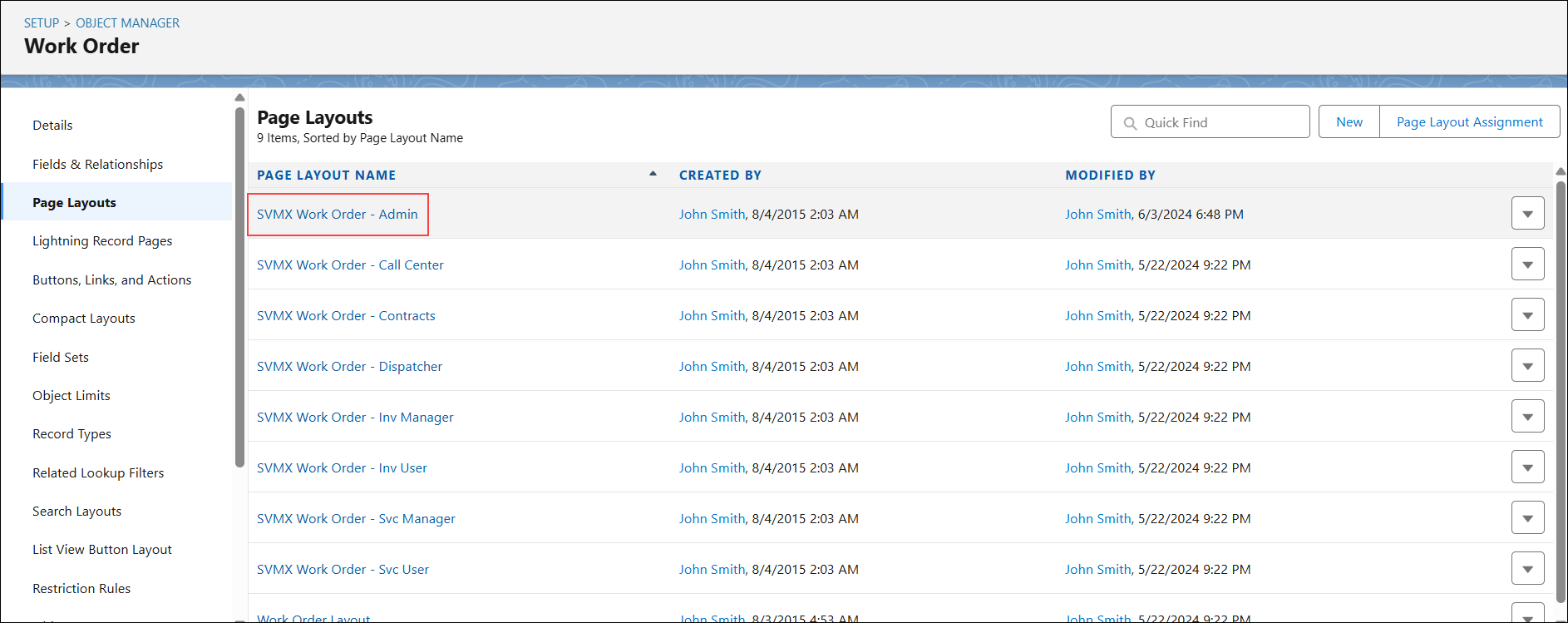
2. Go to Object Manager and select the Work Order object.
3. In the left pane, go to Page Layouts and click the required Page Layout.
4. In the IB Config VF Page section, click the Properties icon.
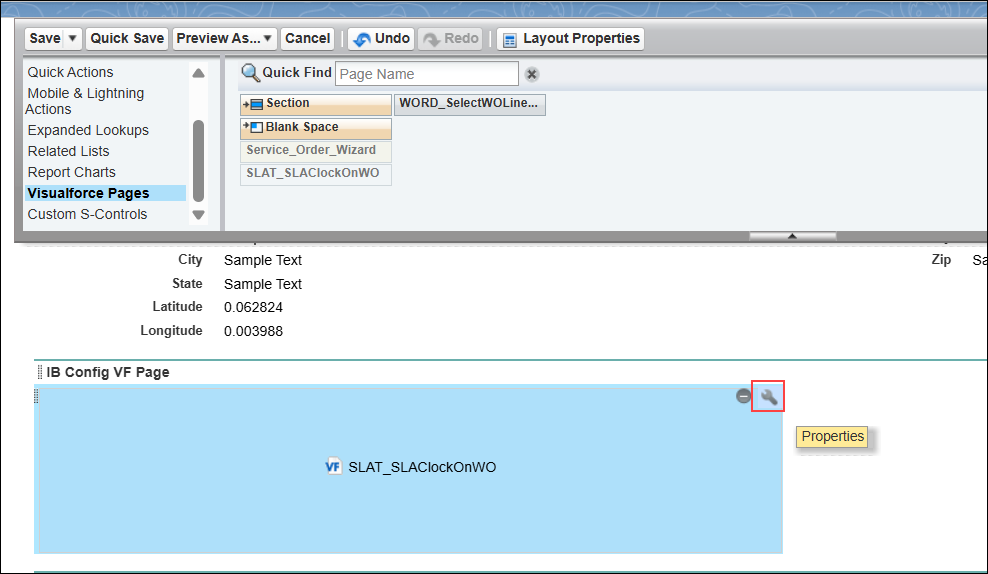
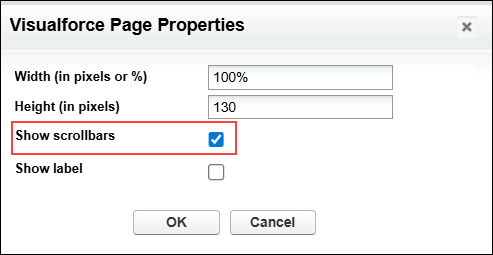
The Visualforce Page Properties pop-up window is displayed.
5. Select the Show Scrollbars checkbox and click OK.
6. In the Page Layout, click Save.