Logging in to the AI Console
This section explains how administrators can access the ServiceMax AI Console to configure AI Actions, manage AI Agents, and monitor AI-related activities.
|
Prerequisites
|
|---|
|
To enable this step, ensure the following:
• You have valid Salesforce org credentials.
• ServiceMax AI is enabled for your org.
|
To log in to the AI Console, perform the following steps.
1. Navigate to > > .
The SERVICEMAX window is displayed.
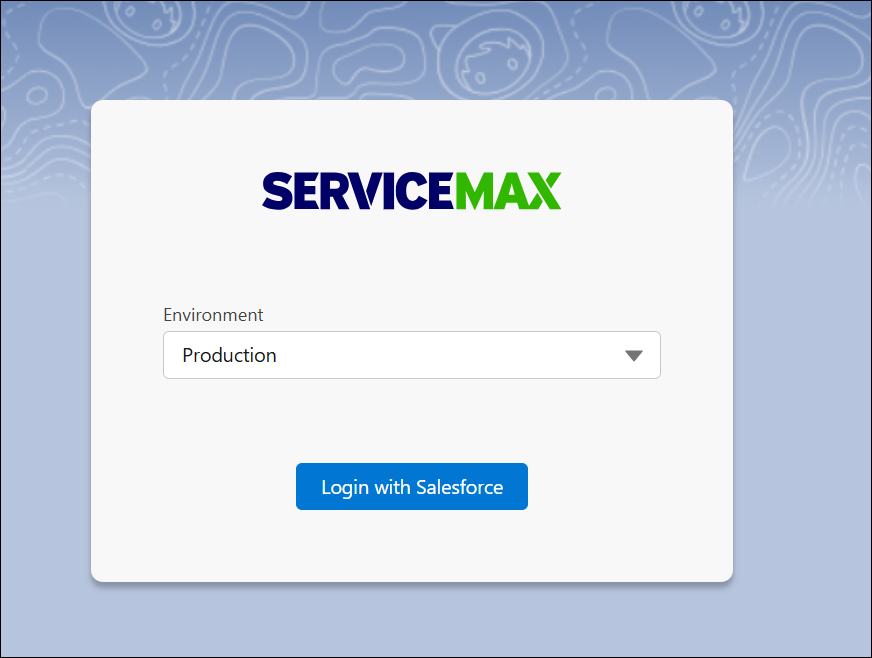
2. Select the required environment and click Login with Salesforce.
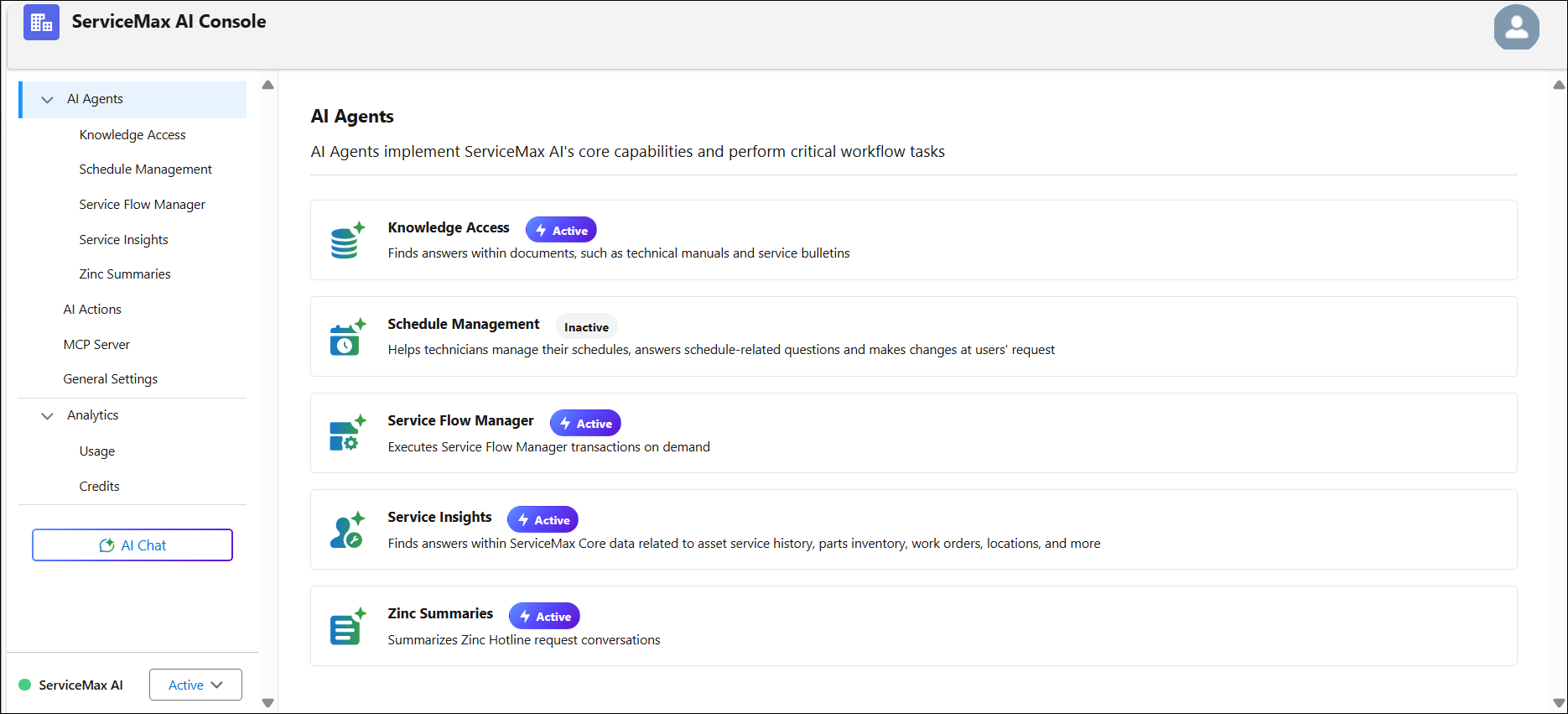
The ServiceMax AI Console is launched.
 |
You can also log in to the ServiceMax AI Console directly at https://console.servicemax.io/ai with your Salesforce org credentials.
|