Enabling Troubleshooting Agent
You can enable the Troubleshooting Agent to use service history data through ServiceMax AI to efficiently troubleshoot current work orders. By default, the agent is disabled.
To enable the Troubleshooting Agent:
1. Go to > > .
The ServiceMax AI Console is launched.
 |
You can also log in to the ServiceMax AI console directly at https://console.servicemax.io/ai with your Salesforce org credentials.
|
2. Go to > > .
The Troubleshooting page is displayed.
3. Select the toggle button in the Enable Troubleshooting Agent section.
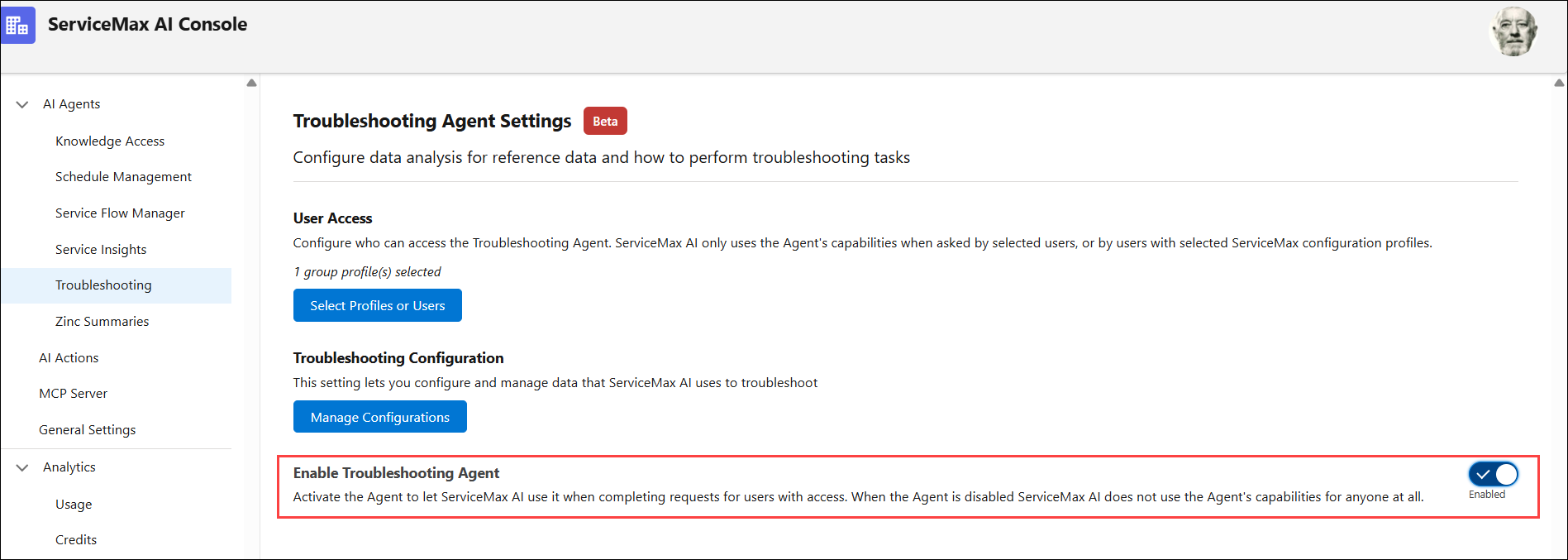
4. Click Save.
The agent is available for specified users or profiles with access.