SysML 2.0 Textual Exporter
The Textual Exporter is a tool in PTC Modeler that allows you to export model packages into .sysml files. This topic explains the steps to export the packages.
Exporting model packages in to .sysml files
1. In the Package Browser, right-click on the package you want to export and select > .
The Export SysML 2.0 Textual Notation dialog opens.
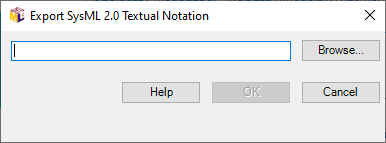
2. Click Browse to select the location of the file. It is recommended that you save the .sysml file in a new folder.
3. Click OK to save, click Cancel to cancel or click Help to open this help page.
4. When you click OK, the Export Progress dialog opens that displays the progress.
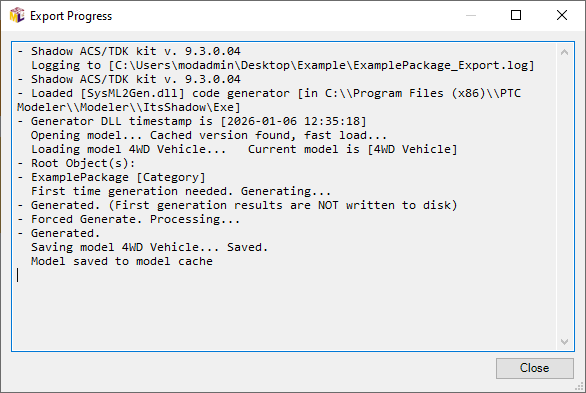
5. When the file is saved (when you see the last message in the dialog as “Model saved to model cache”), click Close.
The model package is saved in the selected folder with the name of the package and a log file with a _Export suffix.
 |
The exported .sysml file contains all the Modeler SysML2 packages and elements in the designed hierarchy except for the System Structure Diagrams which cannot be exported according to the SysML2 standards.
|