Connection Links
A Connection Link in SysML2 is a modeling construct used to represent relationships between parts or elements within a model. On a diagram the representation is a box type symbol depicting the connection between two items on the diagram. Here are some examples:
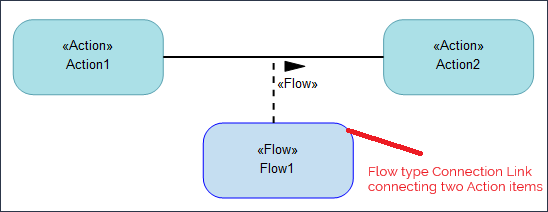
The following image shows the Flow type Connection link between two Action items:
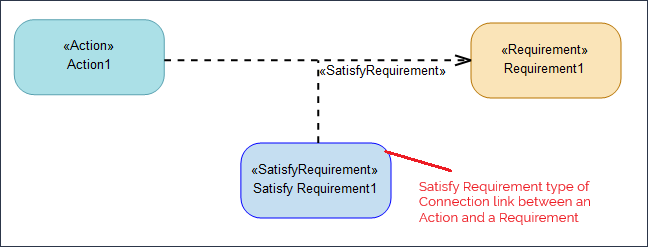
The following is a Connection link between an Action item and a Requirement item. The type of connection is a Satisfy Requirement connection:
Creating a Connection Link between two items
1. Select the connection for which you want to create the Connection Link. For example the Flow connection.
2. Right-click the connection type and select > > .
This creates the Connection Link box representing the connection type between the two items on the diagram as shown in the examples above.