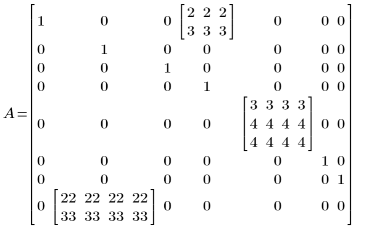
To Collapse or Expand Nested Matrices
1. In a worksheet, create a matrix that contains one or more nested matrices.

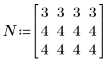
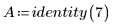


2. Display the matrix.
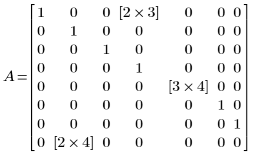
The nested matrices are displayed in their collapsed state and in the same position of the original matrix element that they are replacing. The square brackets indicate the size of each nested matrix.
3. To expand the nested matrices and see their elements, on the Matrices/Tables tab, in the Result Format group, click Collapse Nested Matrices.