Example: Combo Box
1. Define an input matrix.
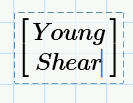
2. On the Input/Output tab, in the Controls group, click > . Add additional rows and columns from the Matrices/Tables tab. Define the item and its units.
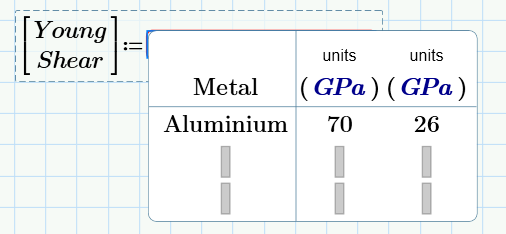
3. Define the items and corresponding values in the cells.
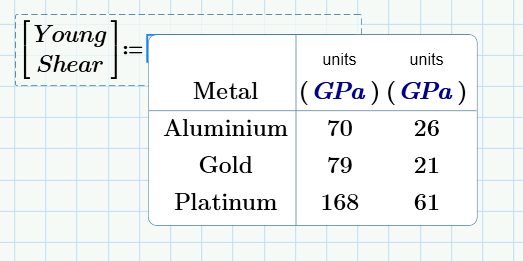
4. Evaluate the value of the combo box for different items.


