Example: Replacing a Part of an Image
Use the putregion function to insert matrix N into matrix M at position (row, col). Matrix M must be large enough to contain all of N when inserted at the given position.
For information on using this example, refer to About Image Processing Examples.
1. Read in a starting image.

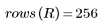
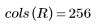
2. Create a second image, smaller than the first.



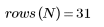
Make sure that
 is less than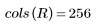
 is less than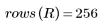
3. Insert matrix N into M and view the resulting image:


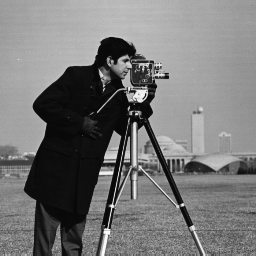 (camera.bmp)
|
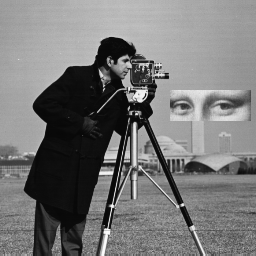 (mona_in_camera.bmp)
|