Example: Input as a Matrix
The following examples demonstrate different inputs and outputs that can be used with advanced controls.
All the examples below are based on the following matrix:
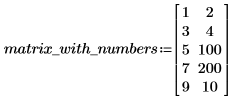
Input as a Matrix
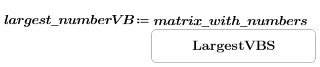
In this example, a matrix is the input. The control retrieves and presents the largest number from the matrix.
• JScript


• VBscript

• Python


Input as a Matrix with Multiple Outputs
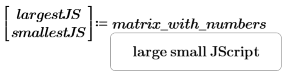
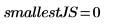
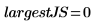
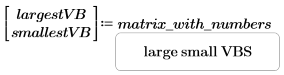
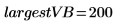
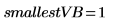
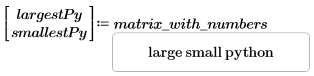
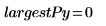
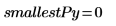
You can retrieve multiple values from the input matrix. The following button returns both the smallest and the largest values on the matrix:
• JScript
• VBscript
• Python
Output as a Matrix
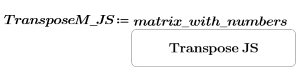
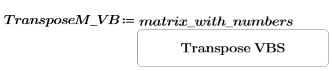
You can create a control in which both the input and output are matrices. The following script performs the transpose operation, in which the rows and columns of the original matrix are interchanged.
• JScript

• VBscript

• Python


|
|
To transpose a matrix, you can also use the transpose operator in the > menu.
|