Audit Log Filtering
Filtering allows you to target information important to your efforts from the sometimes vast audit log data. Click Add Filter to define criteria to focus the log results. Choose a column to filter by and set conditions and values to refine the results.
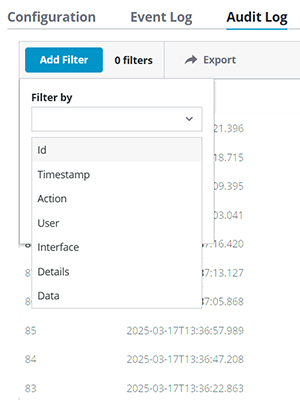

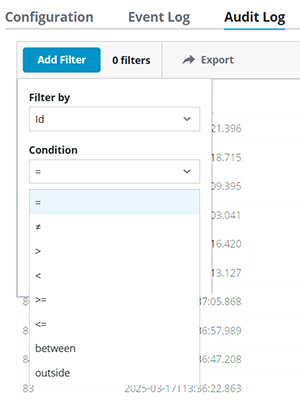
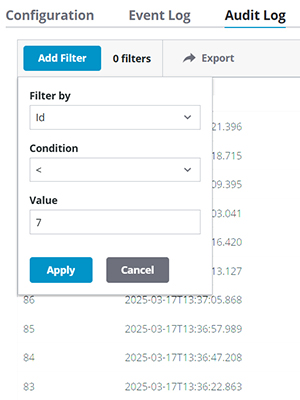
You can combine filters and turn each on and off individually. As each filter is defined, it appears in an oval bubble along the top of the table. Click the X in any filter bubble to remove that filter and refresh the results table.

 | Note that the Timestamp filter reflects local time and the Timestamp column reflects Coordinate Universal Time (UTC). Test your filters against your expectations to verify you are filtering for the target timeframe accurately. |
See Also: