Decommission a License Server
Various circumstances could require removing a license server from active duty. In this case, the server can be decommissioned and the licenses returned and assigned to other servers.
To decommission a server:
1. Access MyKepware.
2. Enter a valid customer email and password and click Log In. 
3. Click the Decommission License Server link.
4. Click the Enter the Host ID link. 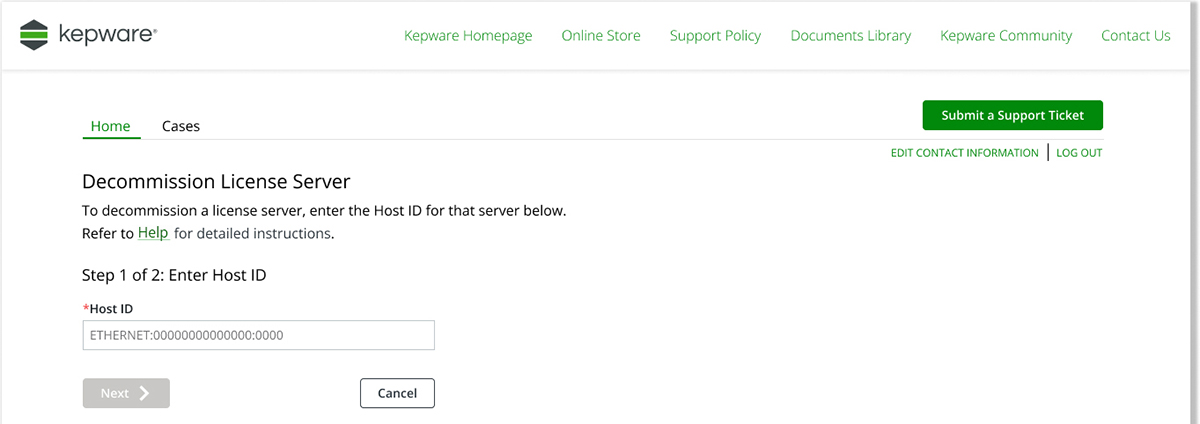
5. Click Next link.
6. Verify the information is about the license server to be decommissioned.
7. Click the Decommission License Server link. 
8. Close the message confirming successful decommissioning.