Define the Layup Surface
1. Click  Layup Surface. The Layup Surface dialog box opens.
Layup Surface. The Layup Surface dialog box opens.2. In the selection filters, select Quilt.
 | The selection filters are in the lower-right corner of the graphics window. |
3. Select the model surface.
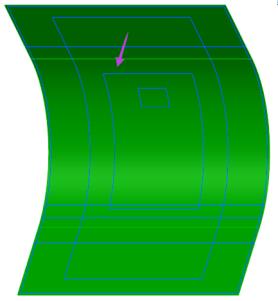
4. In the Layup Surface dialog box, click Flip. The staking direction appears, as shown in the following graphic:
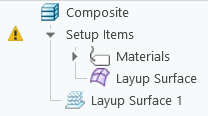
5. Click OK. A layup surface feature is created in the Composite Tree and a layup quilt is created under Setup Items.