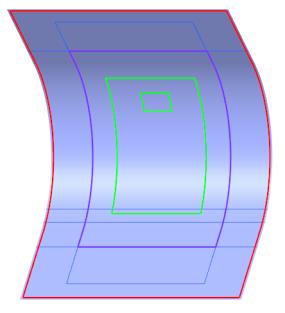
Create a Manual Ply (PLY_6)
1. Click  Ply. The Ply tab opens.
Ply. The Ply tab opens.2. Under Type, make sure that  Manual Ply is selected.
Manual Ply is selected.3. Zoom the model and select the boundary chain CompCrv:F7(CURVE), as shown in the following graphic:
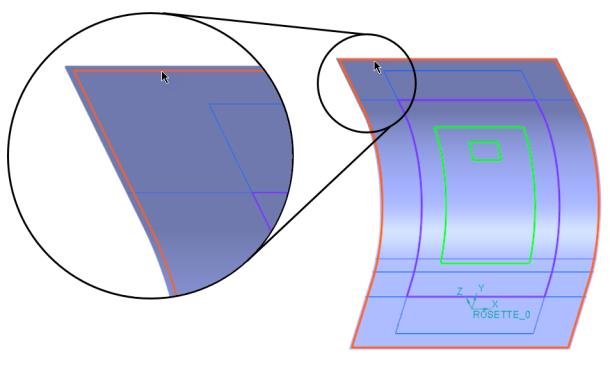
4. In the graphics toolbar, click Refit. The selected boundary appears, as shown in the following graphic:
5. Click  OK.
OK.
OK.The laminate object PLY_6 is added to the Laminate Tree.
The manual ply feature Manual Ply 6 is added to the Composite Tree.
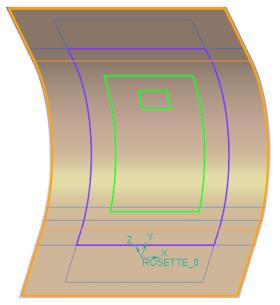
6. Click in the empty space in the graphics window. The boundary of PLY_6 is highlighted, as shown in the following graphic: