PID Controller Exercise 3— Preparing the Mesh
1. In the Flow Analysis Tree, select Domains.
2. In the Properties panel, Mesh tab, for Mesh Generation, type the following values:
◦ Maximum Cell Size—0.02
◦ Minimum Cell Size—0.0002
◦ Cell Size on Surfaces—0.01
The values are retained as default settings. You can change these if required.
3. Click  Generate Mesh to create the mesh for the fluid domain.
Generate Mesh to create the mesh for the fluid domain.4. Under Domains select PIPE_Body_1. In the View panel, click  Show to display the selected domains.
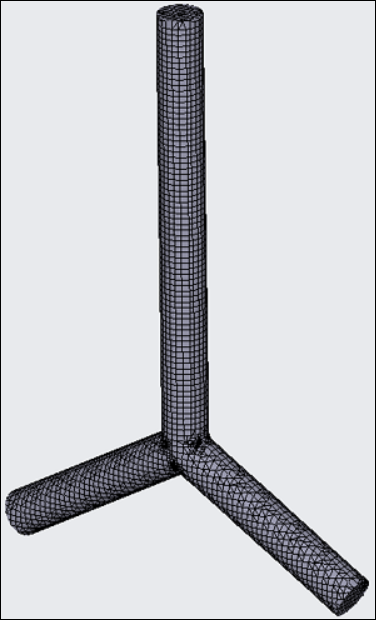
Show to display the selected domains.5. In the Properties panel, View tab, set Grid, and Outline to Yes. The mesh appears as shown in the following figure.
Mesh for the PID Controller