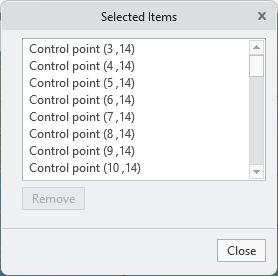
Multiple Selection of Control Points
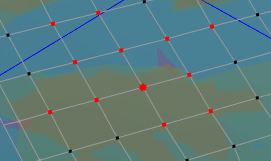
The selected points are highlighted. The active point is marked with an extra circle.
Motion options:
• Selecting and moving control points
To move multiple points, do any of these actions:
◦ Hold down the CTRL key and select the required points.
◦ Hold down the SHIFT key and select multiple points that define a line or region. First select a beginning point and then an endpoint.
• Clearing Control Point Selections
To clear your multiple-point selection, do any of these actions.
◦ To clear all points from the selection, right-click outside the surface and select Deselect all points from the menu.
◦ To clear specific points or all points from the selection, double-click the selected elements in the lower right corner of the status bar  to open the Selected Items dialog box. Then select control points, and click Remove.
to open the Selected Items dialog box. Then select control points, and click Remove.