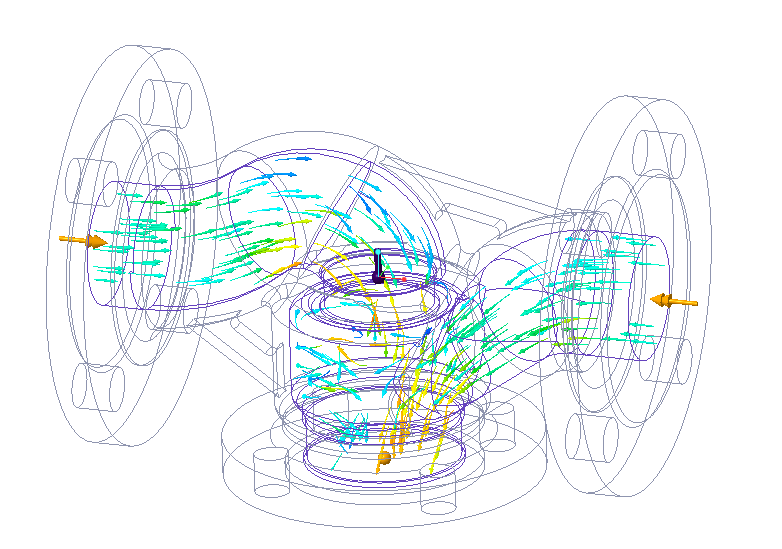
Displaying Vectors in Results of a Creo Simulation Live Study
Vectors are used to simulate and display the direction and velocity at which fluid elements travel within a fluid domain. Vectors are available only for velocity results.
To Display Vectors in Results
1. Run a simulation study.
2. Click >  Show Results and select a result quantity on the results legend.
Show Results and select a result quantity on the results legend.3. Click the arrow below  Vectors and then click Show Vectors. Vectors are displayed within the fluid domain for a fluid study and on the model for other studies.
Vectors and then click Show Vectors. Vectors are displayed within the fluid domain for a fluid study and on the model for other studies.4. To animate the vector display, click the arrow below  Vectors and then click
  Vector Options to open the Animation Options dialog box.
Vectors and then click Vector Options to open the Animation Options dialog box.5. Click  to animate the display of vectors in the model.
to animate the display of vectors in the model.