Example: Differences Between Subdivision and Resolution
Difference in mesh complexity
|
Subdivision
|
Resolution
|
|---|---|
|
Create a shape as shown below. 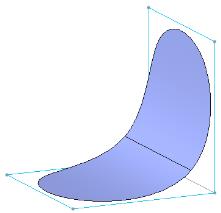 |
Create a shape as shown below. 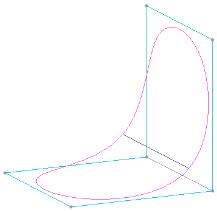 |
|
Subdivide the shape once. There are more vertices and faces on the control mesh. 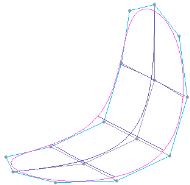 |
Set the resolution level 1 for the shape. There are more vertices and faces on the control mesh. 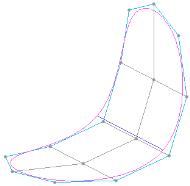 |
|
Turn off the mesh display. The underlying surfaces are subdivided along with the control mesh. 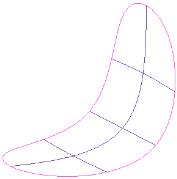 |
Turn off the mesh display. The underlying surfaces remain unchanged. 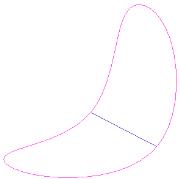 |
Difference in permanency of mesh changes
|
Subdivision
|
Resolution
|
|---|---|
|
The shape is subdivided once. 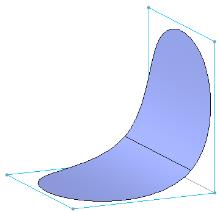 |
The resolution level 1 is set. 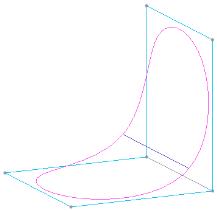 |
|
Control mesh is modified. 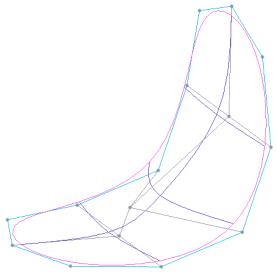 |
Virtual control mesh is modified. 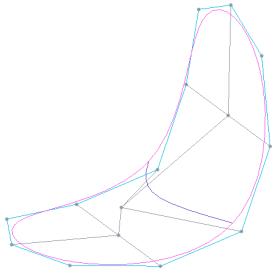 |
|
Because there are eight faces created after subdivision, all four vertical faces are sliced. 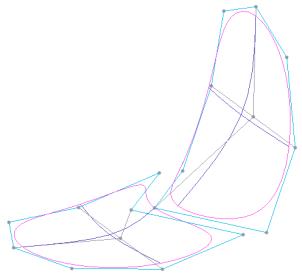 |
After existing the Resolution mode, the vertical face is sliced. 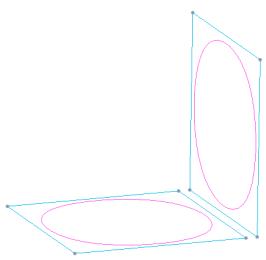 |
|
The changes made in the subdivided shape remain after modifying the same mesh. 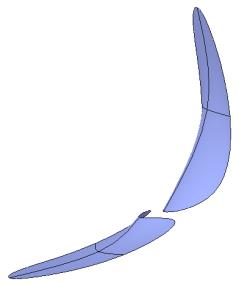 |
The mesh change made in Resolution mode is lost when the same mesh is modified after exiting the Resolution mode. 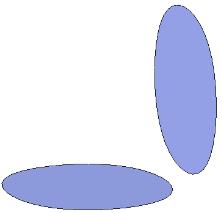 |