Highlighting: Improved Performance
Creo+
User Interface Location: Point your mouse over a model with many surfaces, select a body or quilt with many surfaces.
Videos
Description
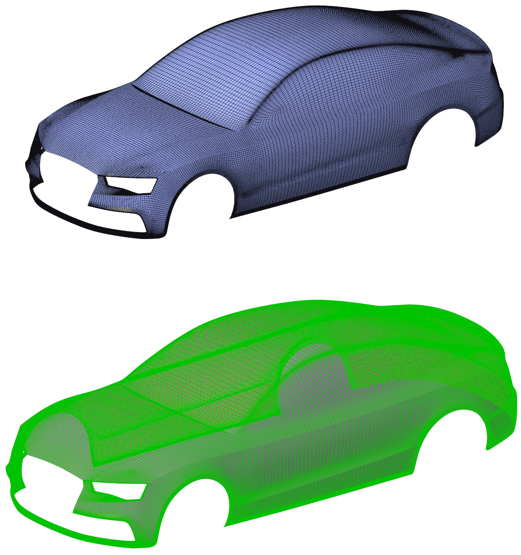
The performance of highlighting and pre-highlighting has been improved to reduce the time required. The process of selecting objects is improved to increase the speed when selecting or pre-highlighting in models with a high surface count. The impact is greatest in models with quilts or bodies that include a large number of surfaces.
By default, the highlight_skip_small_surfaces configuration option is set to yes, which skips some of the small surfaces when highlighting. To increase the surface selection coverage and include small surfaces when highlighting, set the configuration option to no.
Previously, models that contained quilts or bodies with large numbers of surfaces were slow to highlight or pre-highlight.
Benefits
This performance enhancement helps to streamline your modeling experience and reduce the time waiting for the selection or highlighting to take effect.
Additional Information
Tips: | None. |
Limitations: | Performance of faceted models is not improved. |
Does this replace existing functionality? | No. |
Configuration option associated with this functionality: | None. |